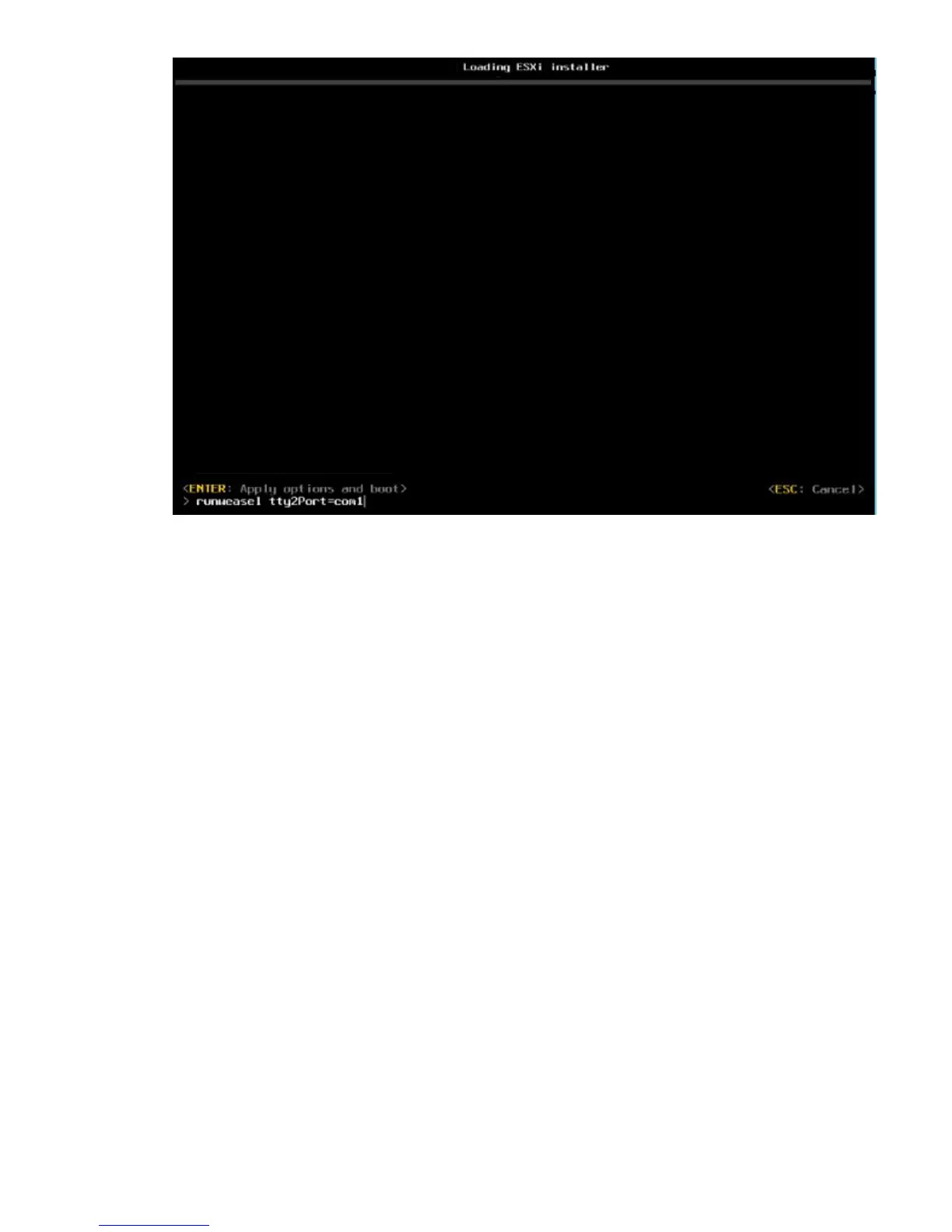
JViewer freezes and does not take any further input.
7. Using the FQDN of the MC990 X server on which you are installing vSphere, open the RMC console.
Use the secure shell (ssh) command to log into the RMC.
For more information about logging into the RMC, see "Connecting to the RMC" in HPE Integrity
MC990 X Server RMC Software User Guide.
8. Obtain the partition number by entering the config -v command on the RMC console.
9. On the RMC console, enter the uvcon <partition number> command, using the partition
number obtained in the previous step.
10. After the server boots the VMware vSphere Installer, navigate the installation process.
11. On the Select a Disk to Install or Upgrade menu, select the intended LUN on which you want to
install the VMware vSphere software, and then press Enter.
44 Installing VMware vSphere 6.5 on an MC990 X server











 To Next Page