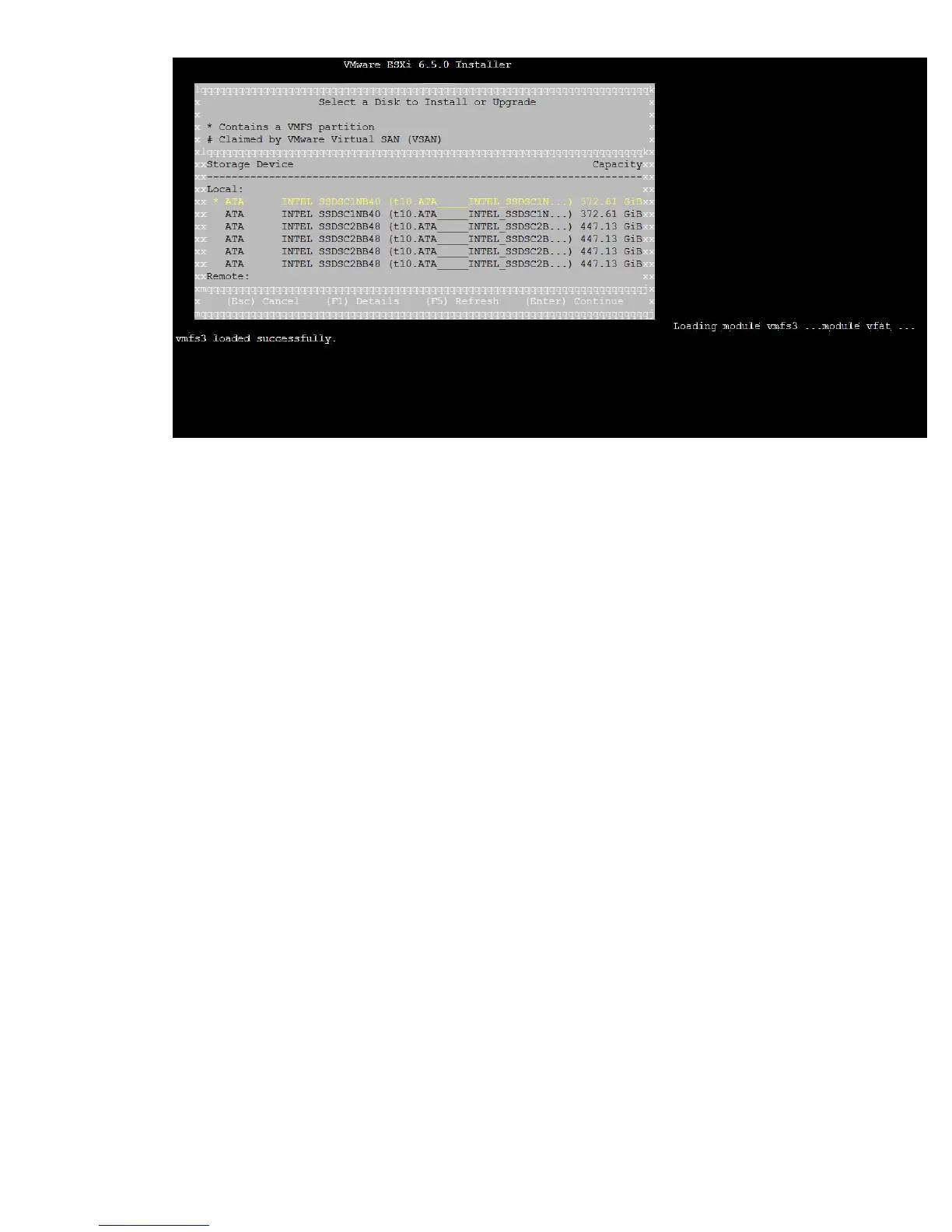
12. Continue to navigate the rest of the installation steps.
13. When the installation is complete, press Enter to reboot the host.
Adding the boot entry
You can add the boot entry at the boot maintenance manager level and boot the VMware vSphere from
the corresponding boot entry added.
Procedure
1. Following POST, select the EFI shell. Enter the command map fs* and note down the LUN device
name where you installed VMware vSphere (for example, FS0:).
Adding the boot entry 45











 To Next Page