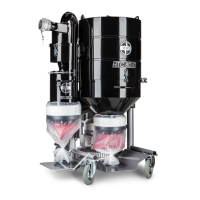
HTC GL 40 D Maintenance and repairs
2.0 25
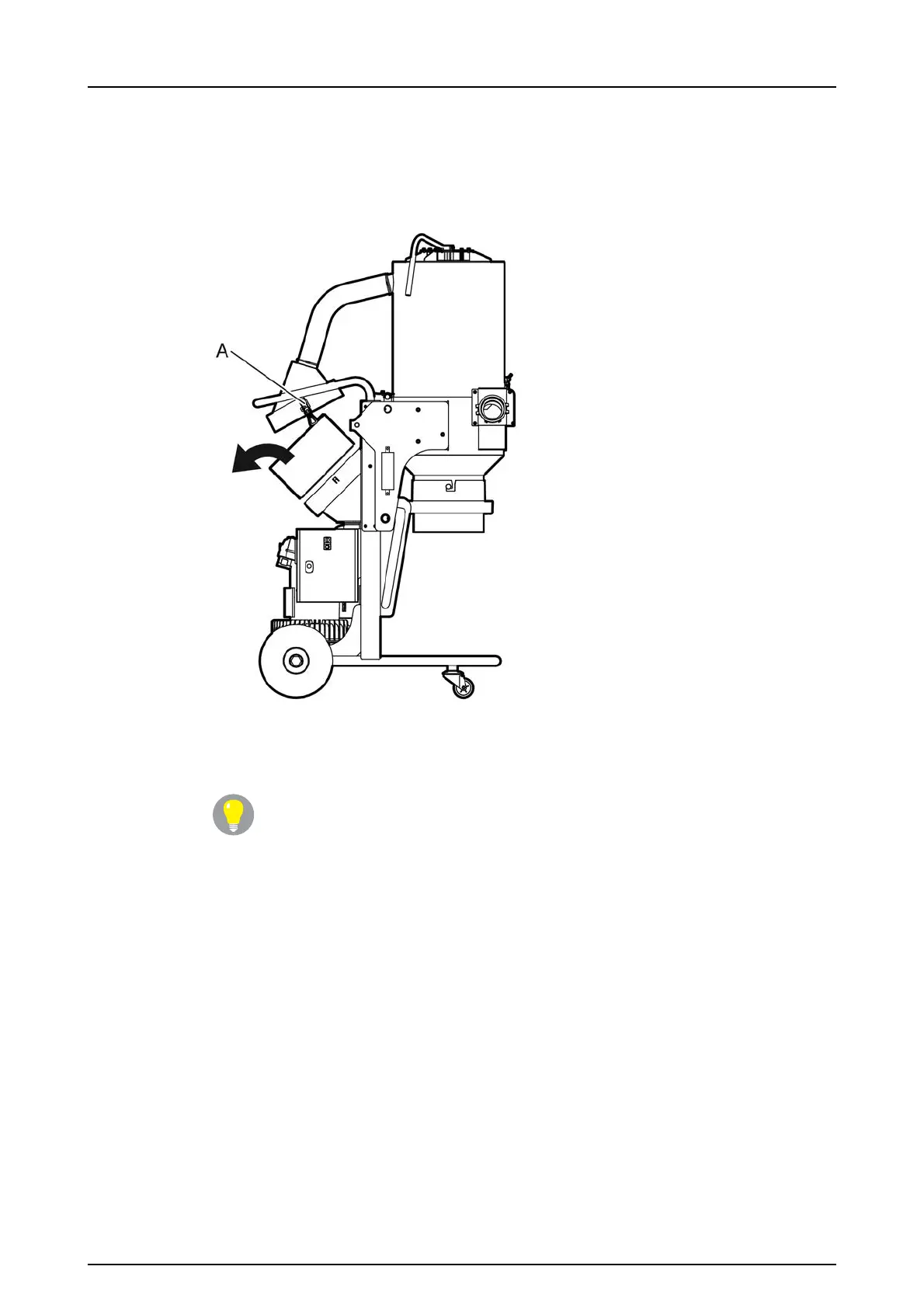
1. Loosen the two quick fasteners (A) that hold the absolute filter holder in place.
Let the holder and hose hang freely, see Figure5-1, page25.
2.
Lift out the absolute filter, see Figure5-1, page25.
Figure 5-1. Lift out the absolute filter
3. Note how the filter is fitted in the dust separator.
Tip!
An arrow on the absolute filter shows which side of the filter should be
facing up when the filter is fitted in the dust separator.
4. Check whether the filter is dirty, discoloured or damaged.
5. If the filter is dirty, discoloured or damaged, it needs replacing. In this case, go to
Replace the absolute filter, page27 for further instructions. Otherwise, the
filter should be fitted back in place.
6. Check the gaskets on the absolute filter. If the gaskets are damaged, the filter
must be changed.


 To Next Page