EasyManua.ls Logo

HTI HT-A1 - User Manual

HTI HT-A1
18 pages
Print Icon
To Next Page IconTo Next Page
Loading...
Instruction Manual
Thermal Imaging Camera
Dongguan Xintai Instrument Co.,Ltd.
Add: Building F, No. 22 Yuhua Street, Hongye Industrial Zone,
Tangxia Town, Dongguan City, Guangdong Province
Postcode:523710
Tel:+86-769-82612006
Fax:+86-769-82612005
Website:www.hytechcn.com.cn www.xintest.com.cn
www.xintest.en.alibaba.com
Email:kevin@xintest.com.cn
User Manual Version 1.2. Revised March 52019.
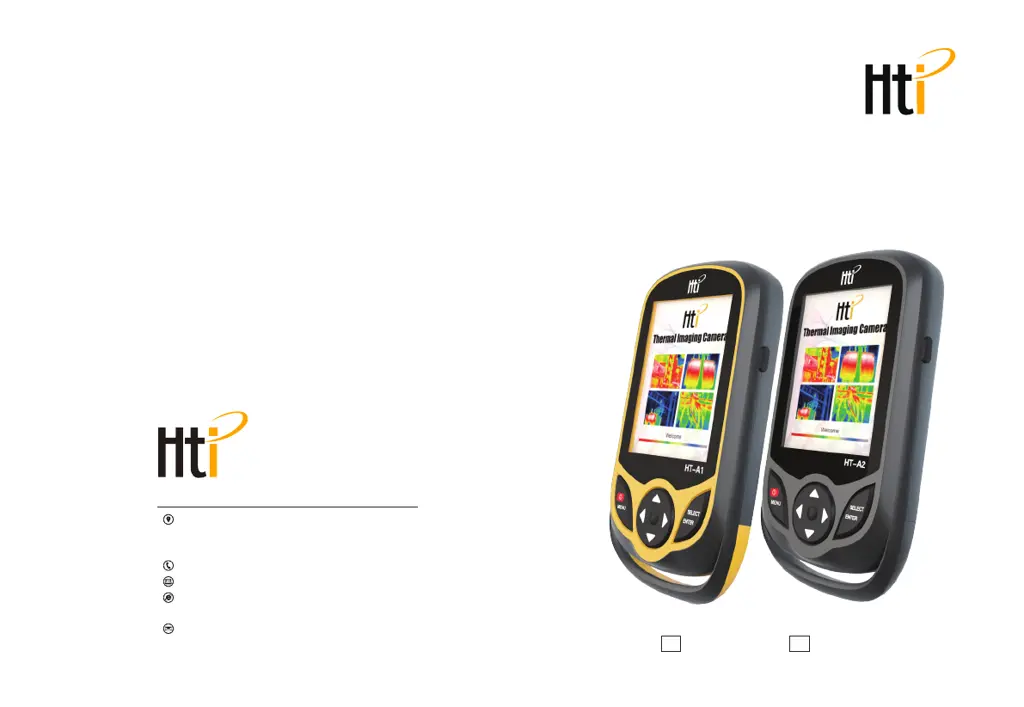
HT-A2HT-A1

Questions and Answers

  • K
    Kimberly RamosAug 2, 2025
    What to do if my HTI Thermal cameras cannot start?
    • B
      baileydarrenAug 2, 2025
      If your HTI Thermal camera cannot start, it might be due to one of two reasons: either the battery is not installed, in which case you should install it, or the battery is depleted, so replace it with a new battery or charge it.
  • M
    Michael LynchAug 17, 2025
    Why does my HTI Thermal camera power off automatically?
    • M
      marshleahAug 17, 2025
      If your HTI Thermal camera powers off automatically, it could be due to two reasons. First, the battery might be depleted; in this case, replace it with a new one or charge it. Second, the automatic power-off timer might have expired. To resolve this, restart the device or adjust the automatic power-off time in the settings after restarting.

Summary

Preface

Limited Warranty and Responsibility

Safety Instructions

Preliminary Acquaintance with Infrared Thermal Imager

Overview

Product Cleaning and Maintenance

Charging the Battery and Description

Performance Index

Product Description

Instruction to Structure

Details the physical components and layout of the thermal imaging device, including sensors and buttons.

Display and Key Descriptions

Initial Operation

Introduction to the Menu

Image Overlapping Submenu

Explains the concept and application of image overlapping for better thermal image interpretation.

Image Sub-menu

Guides users on how to view and manage captured images, including viewing and deleting them.

Color Palette Sub-menu

Details how to select and utilize different color palettes for image display and their applications.

Emissivity Sub-menu

Explains emissivity settings, their importance for accurate measurement, and provides common material values.

Setting Sub-menu

Covers various device settings including auto shutdown, language, units, and time format.

Troubleshooting

HTI HT-A1 Specifications

General IconGeneral
BrandHTI
ModelHT-A1
CategoryThermal cameras
LanguageEnglish

Related product manuals