Need help?
Do you have a question about the HTI HT-A2 and is the answer not in the manual?
Essential safety precautions and maintenance guidelines for device operation.
Detailed technical specifications and performance metrics of the thermal camera.
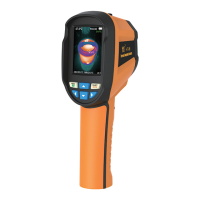
Explains the physical layout and components of the thermal imaging camera.
Details the function of each button and control on the device interface.
Further explanation of device controls and navigation keys for user interaction.
Step-by-step guide for the initial setup and first use of the thermal camera.
Instructions for viewing and deleting captured images within the device menu.
Explains the different false color schemes available for thermal images.
Guidance on selecting appropriate color palettes for better thermal detail visualization.
Explains emissivity and its importance for accurate temperature measurement.
Details how to adjust emissivity settings for different material types.
Provides a reference table of emissivity values for various common substances.
Overview of the device's configuration menu options.
Instructions for configuring the device's date and time settings.
Guide on activating or deactivating the highest and lowest temperature cursors.
 General
| Brand | HTI |
|---|---|
| Model | HT-A2 |
| Category | Thermal cameras |
| Language | English |


 To Next Page