EasyManua.ls Logo

HTI HT-18+ - User Manual

HTI HT-18+
21 pages
Print Icon
To Next Page IconTo Next Page
Loading...
Instruction Manual
Thermal Imaging Camera
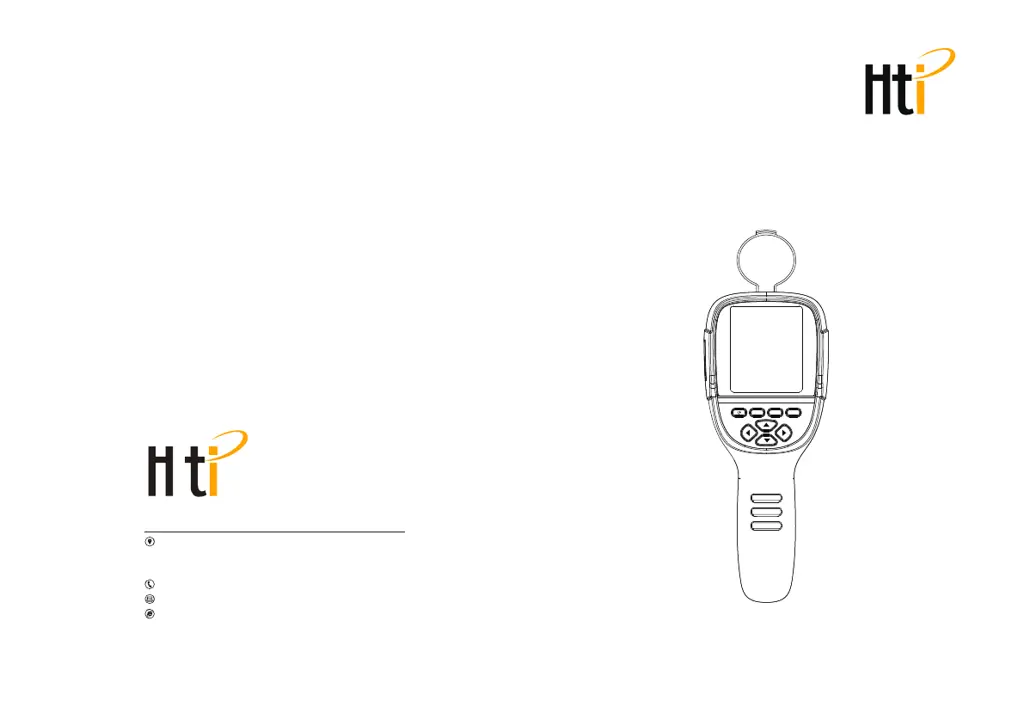
MENU SELECT ENTER
User Manual Version 1.0. August 112022.
HT-18+
Dongguan Xintai Instrument Co.,Ltd.
Add: Building F, No. 13-16, Hongye Industrial Zone, Tangxia
community, Tangxia Town, Dongguan City
Postcode:523710
Tel:+86-769-82612006
Fax:+86-769-82612005
Website:www.hti-meter.com
www.hytechcn.com.cn www.xintest.en.alibaba.com

Questions and Answers

Summary

Safety Instruction

Considerations

Guidelines to avoid damaging the product, including assembly, disassembly, and probe handling.

Warning

Alerts users to acts that may cause harm, such as laser pointer misuse and damaged product operation.

Charging of the Battery and Description

Use USB Data Line to Charge

Details on using the USB data line for charging the product's built-in battery.

Performance Index

Product Description

Display Description

Details the thermal image display elements, including temperature cursors, color codes, and time.

Key Description

Identifies and explains the function of each button on the thermal imaging device.

Initial Operation

Product Boot;Shutdown

Instructions on how to turn the thermal imaging device on and off using the power button.

Switching Between Infrared and Visible Images

How to switch between thermal, visible, and fused images, and adjust fusion levels.

Image Capture

Steps for capturing still images, including saving or discarding the captured image.

Introduction to the Menu

Introduction to Emissivity Sub-menu

Emissivity Description

Explains emissivity and its importance for accurate temperature measurement of different materials.

Emissivity Value of Common Materials

Provides a table of emissivity values for various common substances to aid in accurate measurement.

Emissivity Setting

How to set the emissivity value based on object characteristics for precise temperature readings.

Introduction to Settings Sub-menu

Thermal Imaging Image Analysis Software Operation Guide

Software Installation And Operation

Steps for installing the analysis software and connecting the device to a computer for data transfer.

Troubleshooting

HTI HT-18+ Specifications

General IconGeneral
Resolution320 x 240
Frame Rate9 Hz
Field of View35° x 26°
Temperature Range-20°C to 400°C (-4°F to 752°F)
Battery Life2-3 hours
Weight320g
Emissivity0.1 to 1.0 adjustable
Focus ModeFixed
File FormatJPG
Operating Temperature0°C to 45°C
Spectral Range8-14μm
FocusFixed
Accuracy±2% or ±2°C
Thermal Sensitivity (NETD)<100mK
Display3.2 inch
Image ModesPicture in Picture
Image StorageBuilt-in 3GB
Battery TypeRechargeable lithium-ion battery
PowerDC 5V
Storage Temperature-20°C to 60°C
Thermal Sensitivity<100mK
IR Resolution220 x 160 pixels

Related product manuals