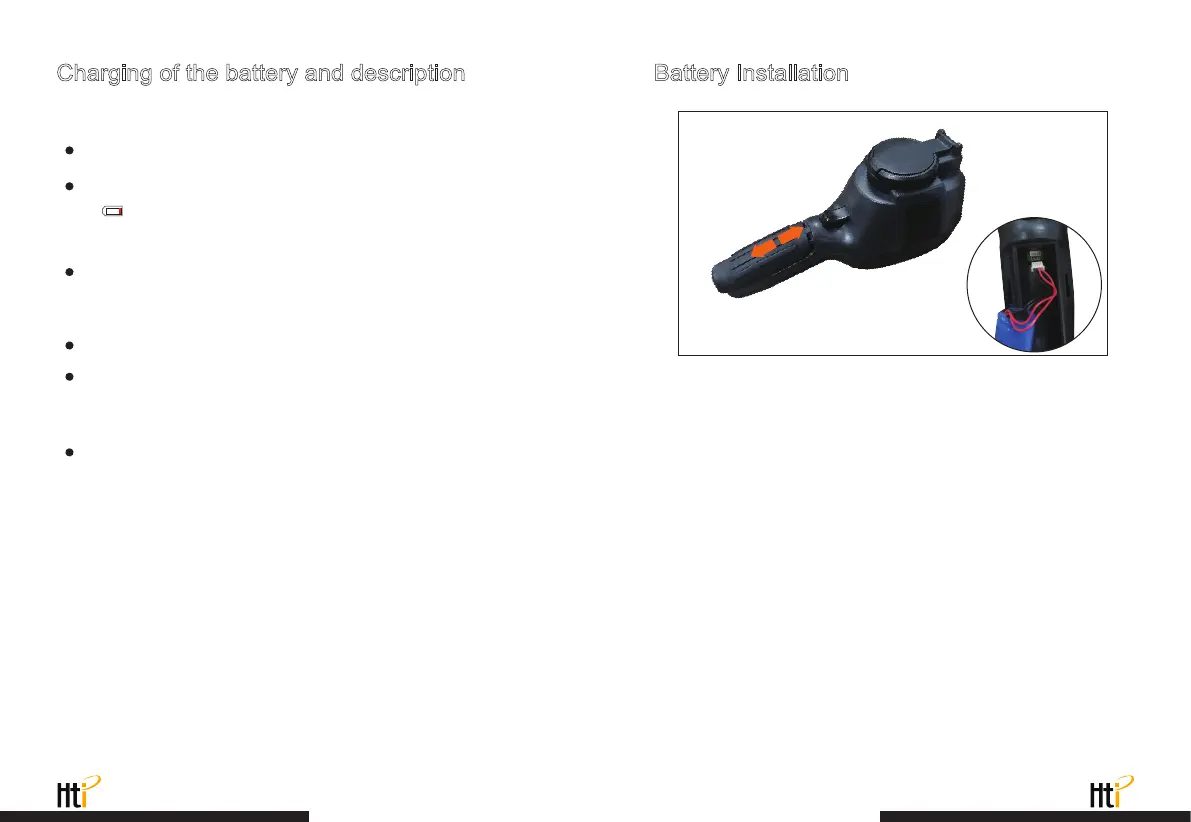
Charging of the battery and description Battery Installation
Use USB data line to charge:
To make the lithium ion battery can play the perfect performance:
The product has built-in chargeable lithium batteries.
Pull off the USB line after fully charging.
Don’t place the battery on the charger exceeding 24 hours.
The thermal imaging device should be charged for two hours at least
every three months so as to extend the battery service life to the
greatest extent.
Don’t try to charge the battery in extremely cold environment.
Take care to slide the battery cover into the correct position of the
handle.
When the battery level is low, the top right of the screen will display
“ ”.Please charge in time through Micro USB interface(When
the product is off, you can charge).
www.xintest.com.cn
11
www.xintest.com.cn
12



 To Next Page