EasyManua.ls Logo

HTI HT-19+ - User Manual

Default Icon
19 pages
Print Icon
To Next Page IconTo Next Page
Loading...
Instruction Manual
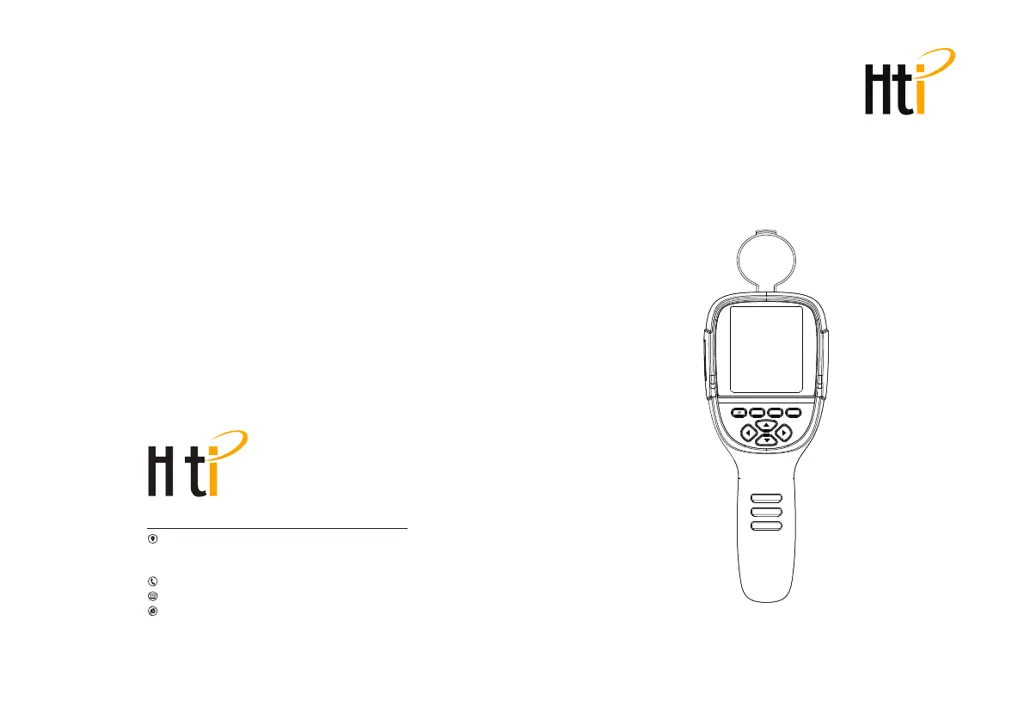
Thermal Imaging Camera
MENU SELECT ENTER
User Manual Version 1.0. May 122021.
Dongguan Xintai Instrument Co.,Ltd.
Add: Building F, No. 13-16, Hongye Industrial Zone, Tangxia
community, Tangxia Town, Dongguan City
Postcode:523710
Tel:+86-769-82612006
Fax:+86-769-82612005
Website:www.hti-meter.com
https://hti-instrument.com www.xintest.en.alibaba.com
HT-19+

Questions and Answers

  • P
    Philip HarveyJul 28, 2025
    What to do if my HTI Thermal camera cannot start?
    • V
      Vernon BrownJul 28, 2025
      If your HTI Thermal camera won't start, it could be due to the battery not being installed. Make sure to install the battery. Another possibility is that the battery is completely drained. Try replacing it with a new battery or charge the existing one.
  • J
    Jennifer AllenAug 14, 2025
    Why does my HTI Thermal camera power off automatically?
    • J
      Jordan KennedyAug 14, 2025
      Your HTI Thermal camera might be powering off automatically because the battery is depleted and needs to be replaced or charged. Alternatively, the automatic power-off timer may have expired. You can restart the device or adjust the automatic power-off time after restarting.

Summary

Safety Precautions and Warnings

General Handling Considerations

Guidelines to prevent product damage, including assembly and handling.

Critical Safety Warnings

Warns about laser pointer use and potential product damage.

Safety Precautions and Usage Guidelines

Electrical and Water Safety

Precautions for handling power, wires, and avoiding water exposure.

Product Handling and Cleaning

Advice on proper product handling, cleaning, and adapter usage.

Safety, Environment, and Technology Overview

Environmental and Impact Safety

Advice on temperature exposure, condensation, and physical impact.

Battery and Performance Details

Battery Charging and Care

How to charge the device and tips for optimal battery performance.

Display and Control Interface

Keypad Functions

Describes the function of each button on the device.

LCD Screen Operations and Data Transfer

Color Palette Application and Settings

Emissivity Settings and Material Data

Troubleshooting Common Issues

Device Startup Failures

Solutions for when the device fails to start.

Automatic Power-Off Issues

Solutions for unexpected automatic power-off.

Image Display Problems

Solutions for when no thermal images are displayed.

HTI HT-19+ Specifications

General IconGeneral
BrandHTI
ModelHT-19+
CategoryThermal cameras
LanguageEnglish

Related product manuals