EasyManua.ls Logo

HTI HT-19 - User Manual

Default Icon
17 pages
Print Icon
To Next Page IconTo Next Page
Loading...
Instruction Manual
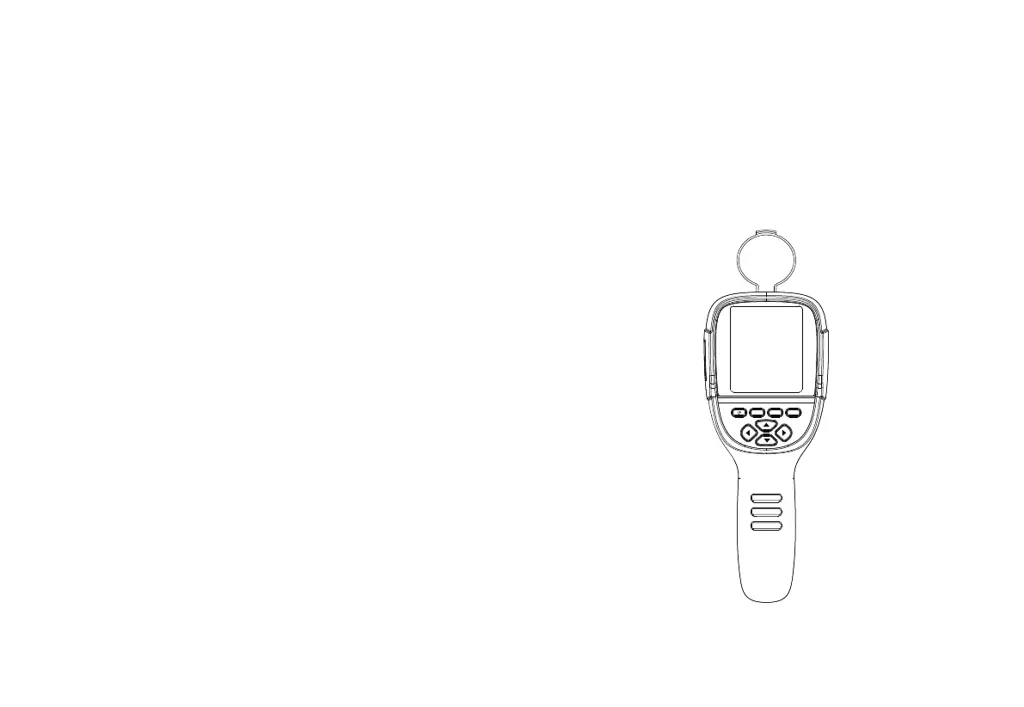
Thermal Imaging Camera
MENU SELECT ENTER
User Manual Version 1.0. Revised 6/11/2019.

Questions and Answers

Summary

Safety Instruction

Warning

Important safety warnings to prevent harm to users.

Considerations

Guidelines to prevent product damage and ensure proper operation.

Charging of the Battery and Description

Performance Index

Technical specifications and performance metrics of the device.

Display Description

Elements of the Thermal Image Display

Explains cursors, color codes, and other display indicators.

Key Description

Device Control Buttons

Identifies and explains the function of the device's buttons.

Initial Operation

Product Boot;Shutdown

How to turn the thermal imaging device on and off.

Switching Between Thermal and Visible Images

How to switch between thermal and visible images.

Image Capture and Management

Capturing, saving, outputting, and reading images.

Emissivity Sub-menu

Emissivity Description

Explains emissivity and its importance for accurate temperature measurement.

Emissivity Setting

How to set emissivity based on object characteristics.

Setting Sub-menu Overview

Setting Sub-menu Details

Advanced Settings and Troubleshooting

Troubleshooting

HTI HT-19 Specifications

General IconGeneral
BrandHTI
ModelHT-19
CategoryThermal cameras
LanguageEnglish

Related product manuals