4. Product Description
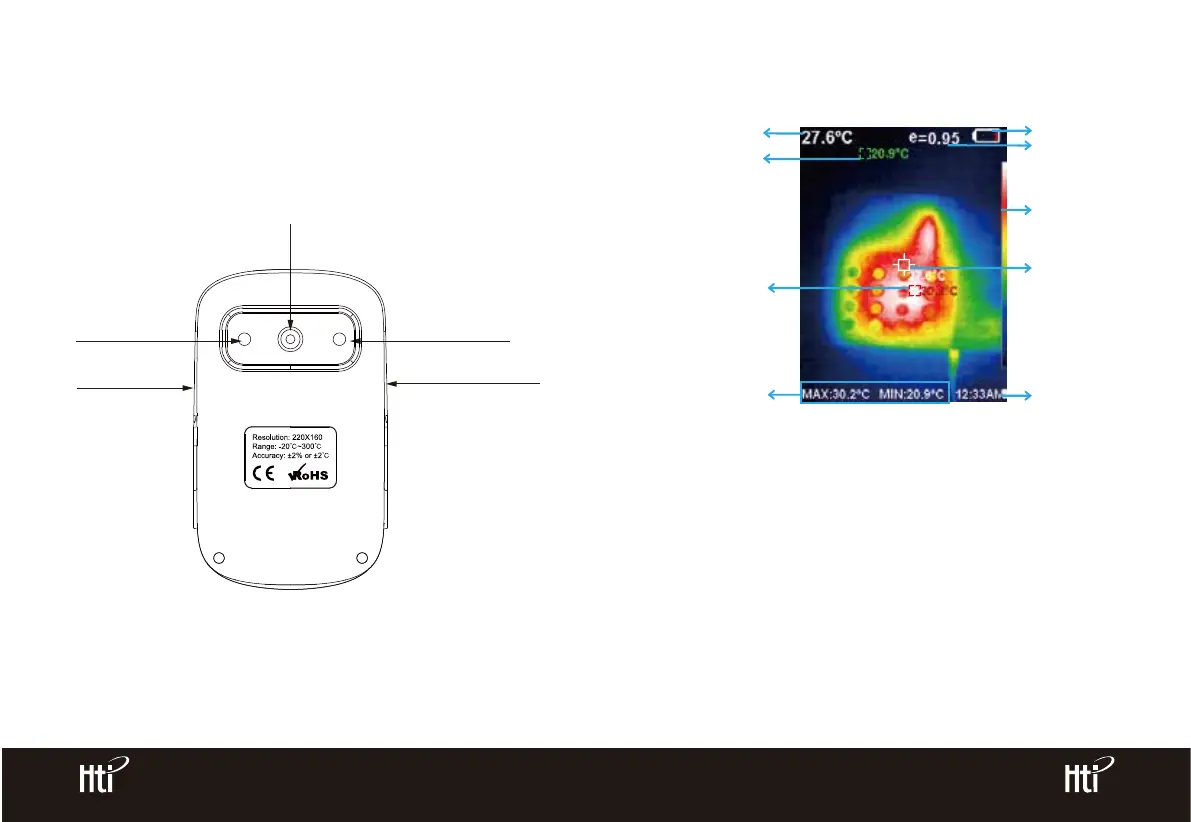
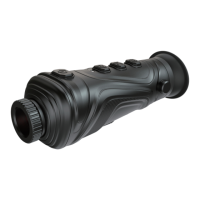
4.1. Instruction to structure
4.2. Key Description
Maximum value/
minimum value of
field temperature
Visible light camera
Infrared imaging sensor
Image capture key
LED lighting lamp
Color code
Current emissivity
Battery power
The highest
temperature cursor
Temperature
cursor at
central point
Time
Central point
temperature
The lowest
temperature cursor
1. Color code: used to mark the color corresponding to the relative tempera-
ture from low to high in the field of version.
www.xintest.com.cn
4
www.xintest.com.cn
5
2. The central point temperature cursor: used to indicate the central position
in the screen area. The cursor color displays white. The temperature value is
displayed top left corner of the screen.
3. The highest temperature cursor: used to indicate the highest tempera-
ture position in the screen area. It will move with the movement of the
highest temperature. The cursor displays red. The temperature value is
displayed at bottom left corner of the screen.
Micro USB
Back



 To Next Page