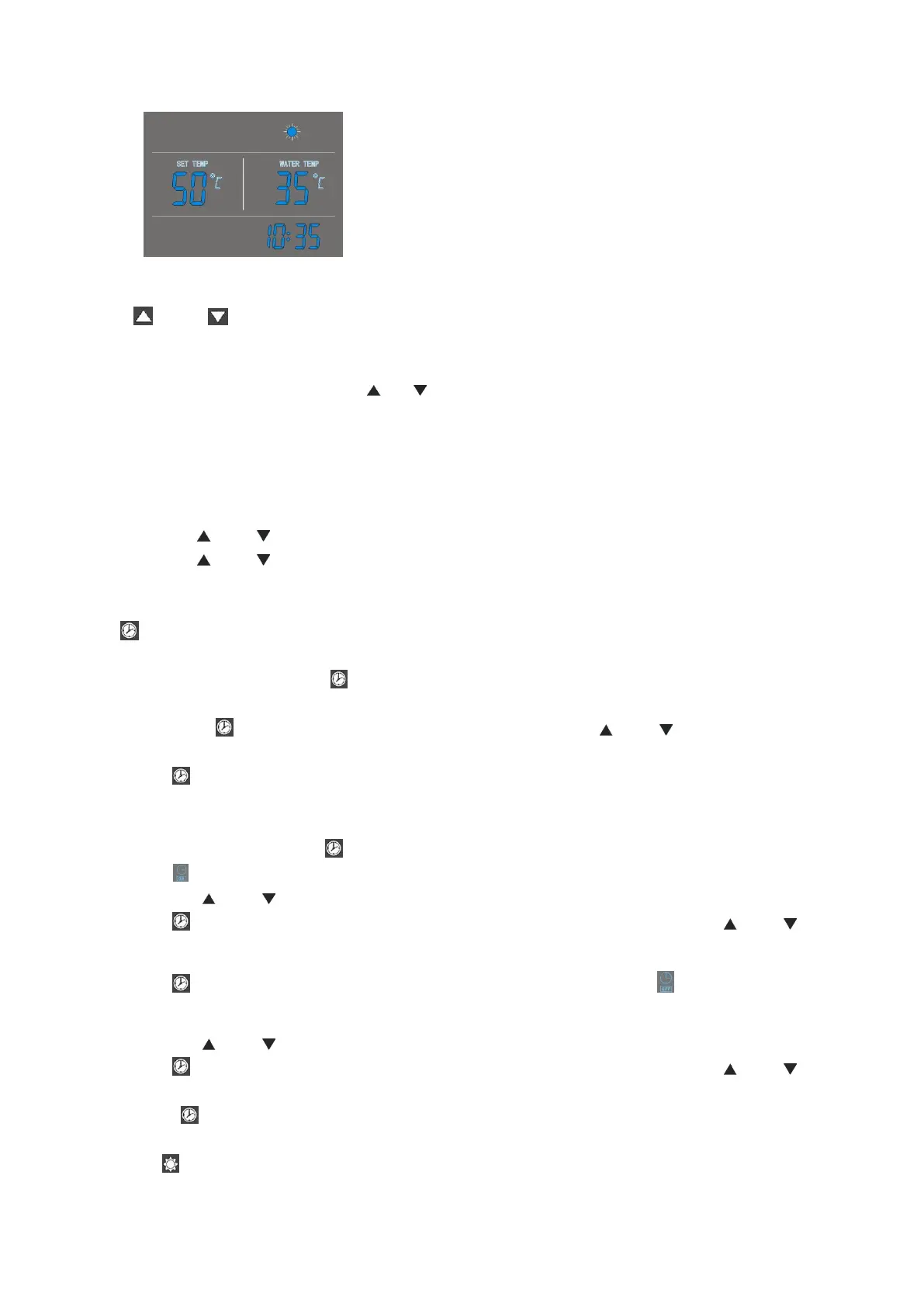
3. And buttons
-
These are the multi-purpose buttons. They are used for the temp setting, parameter setting,
parameter checking, clock adjustment and adjustment of the timer.
-
During running status, press or button to adjust the setting temperature directly.
-
Press these buttons when the unit is on clock setting status, the hour(s) and the minute(s) of
the clock time can be adjusted.
-
Press these buttons when the unit is on timer setting status, the hour(s) and the minute(s) of
the timer ‘ON’/’OFF’ can be adjusted.
-
Press and buttons at the same time and hold for 5 seconds, the buttons are locked.
-
Press and buttons at the same time and hold for 5 seconds again, the buttons are
unlocked.
Clock setting:
- After power on, short press button to entry the clock setting interface, hour and minute icons
“88:88” flash together;
- Short press button to switch hour/minute setting, press the and buttons to set the
exact hour(s) and minute(s);
- Press button again to confirm and exit.
Timer setting:
- After power on, long press button for 5 seconds to entry the timer setting interface, the timer
on icon and hour icon “88:” flash together;
- Press the and buttons to set the exact hour(s).
- Press button to transfer to minute setting, minute icon “:88” flash, press the and
buttons to set the exact minute(s).
- Press button again to transfer to timer off setting, the timer off icon and hour icon “88:”
flash together.
- Press the and buttons to set the exact hour(s).
- Press button to transfer to minute setting, minute icon “:88” flash, press the and
buttons to set the exact minute(s).
- Press button again to save and exit the timer setting interface.
Press button to cancel the timer settings during the timer ‘ON’ (or timer ‘OFF’) programming.
74



 To Next Page