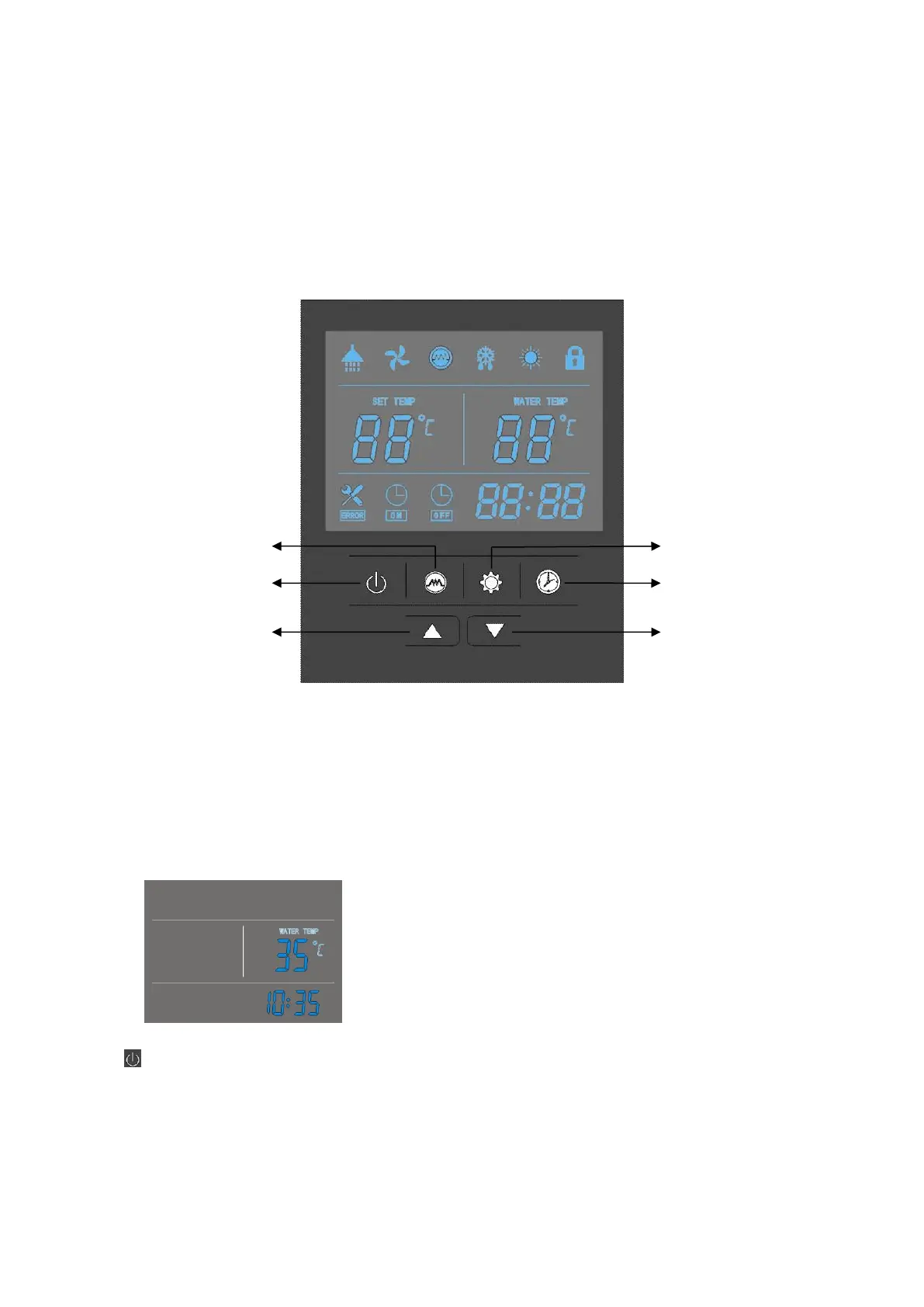
OPERATION THE UNIT
User interface and operation
Operations
When turning ‘ON’ the power, whole icons are displayed on the controller screen for 3 seconds.
After checking if everything is ok, the unit enters into the standby mode.
Press this button and keep for 2 seconds when the unit is standby, the unit can be turned ‘ON’.
Press this button and keep for 2 seconds when the unit is running, the unit can be turned ‘OFF’.
Short press this button to entry or exit the parameter setting or checking.
Clock/Timer setting button
Electrical heater
‘ON’/’OFF’ button
73



 To Next Page