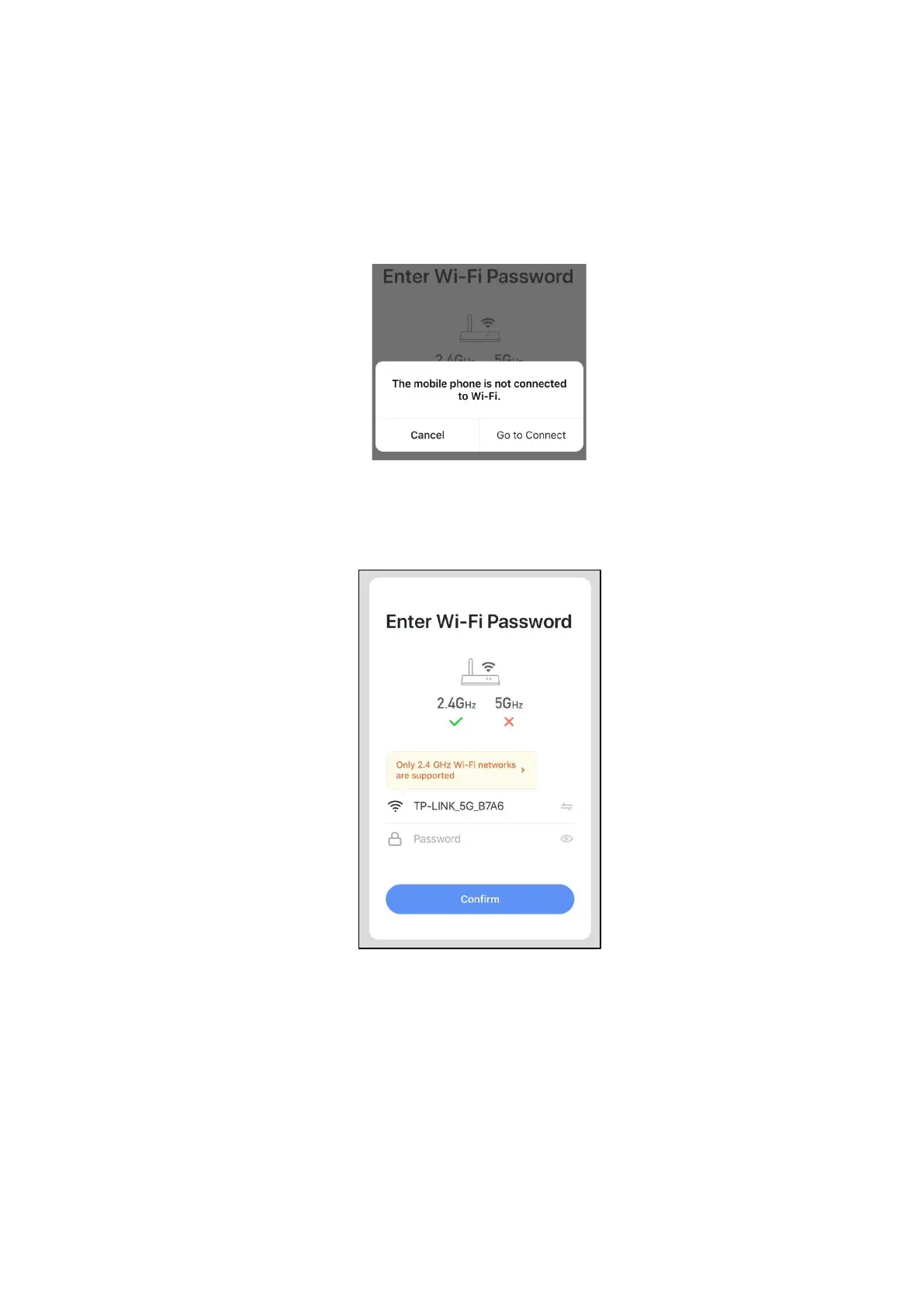
Click "go to connect" to set the mobile's Wi-Fi.
If the mobile is already connected with the Wi-Fi from the router, please type the password
and click "Confirm" in the next interface.
81
Notes: when the icon of set flashes quickly, it mean the controller is in the Wi-Fi mode. When it
flashes slowly, it means the controller is connecting with the App. During the connection, if the
icon of set is extinguished, it means the App connection with the unit is finished.
If the mobile is not connected with Wi-Fi from the router, the interface will be automatically
skipped to the following interface.



 To Next Page