Need help?
Do you have a question about the HUANUO HNCM5 and is the answer not in the manual?
General safety warnings and precautions for using the monitor stand to prevent injury or damage.
Check monitor VESA dimensions (75x75mm to 100x100mm) for mount compatibility before installation.
Lists required tools not included and all supplied parts and hardware for assembly.
Secure the support pillar to the base using provided bolts and Allen key or grommet plate.
Slide and tighten the cable clip and monitor connector onto the support pillar.
Choose the correct bolt size and length for your monitor's VESA mounting holes.
Mount the monitor plate to the back of the monitor (flat or round back).
Hang the monitor onto the assembled stand and secure it using the provided bolt.
Fix the monitor's tilt angle using the Allen key.
Organize and secure cables along the stand using the cable clip.
Store the Allen keys conveniently in the cable clip on the stand.
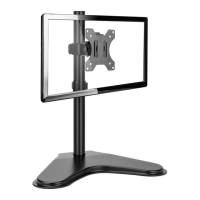
Details the adjustable features like 180° rotation, 360° swivel, and tilt.
 General
| VESA Compatibility | 75x75mm, 100x100mm |
|---|---|
| Screen Size Supported | Up to 27 inches |
| Rotation | 360° |
| Color | Black |
| Adjustable Height | Yes |
| Mounting Type | Desk Mount |
| Weight Capacity | 17.6 lbs per arm |
| Mounting Options | C-Clamp, Grommet |
| Material | Steel |
| Compatibility | Monitors |

 To Next Page