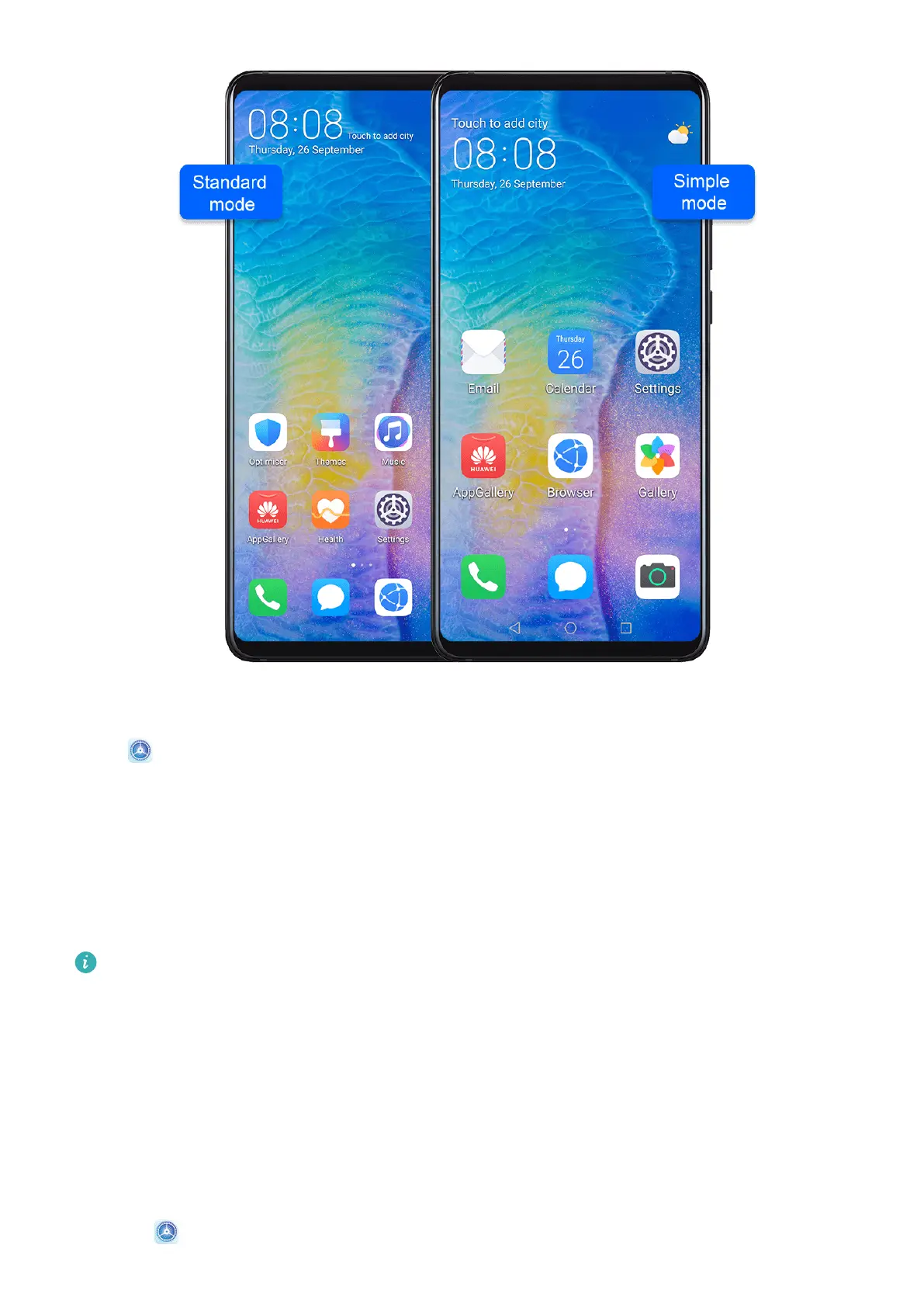
Enable Simple Mode
Go to Settings > System & updates > Simple mode and touch Enable.
Touch and hold any icon to drag it to the desired location or uninstall it if it is not a
mandatory app.
Update the System Online
When an update is available, your device will prompt you to download and install the update
package.
• Before updating, make sure your device is running an ocial system version.
Otherwise, the update may fail and your device may experience unknown issues.
• Back up your user data before the update.
• After an update, third-party apps that aren't compatible with the new system version
may become unavailable. In some cases, it may take some time for a compatible app
version to be released.
• During the update, do not power o or restart your device, remove the memory card,
or insert a memory card.
1 Go to Settings > System & updates, and touch Software update.
Settings
107










 To Next Page