2 When the scan is complete, touch Clean up after each item and delete any les you don't
need.
Clean Up Duplicate Files
Optimiser can identify duplicate les on your device.
On the Cleanup screen, touch Duplicate les, then select unwanted les to delete them.
Security
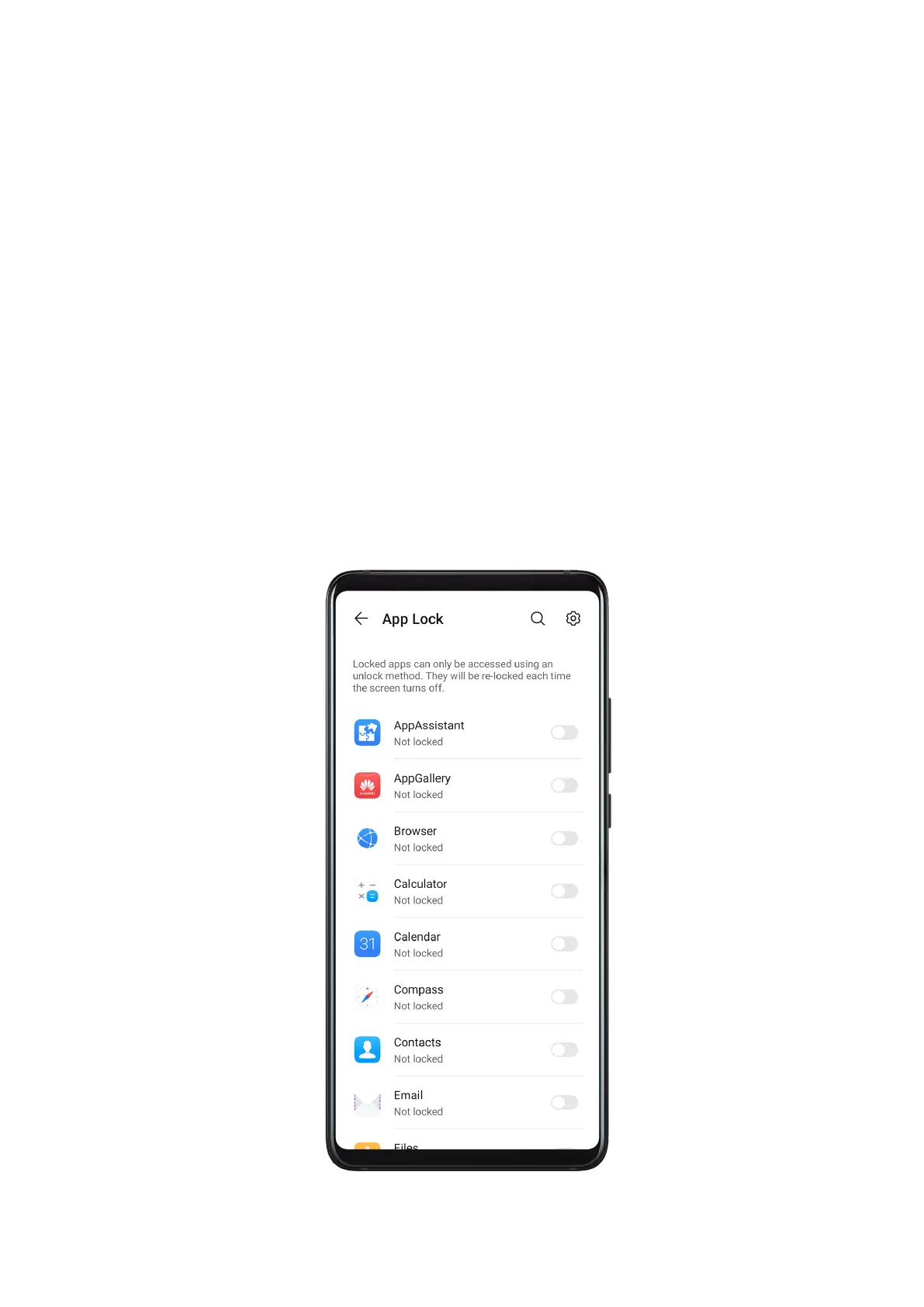
App Lock
With App Lock, you can lock apps containing private data, such as chat and payment apps, to
prevent unauthorised access.
If you use Face ID as the App Lock unlock method, the Swing Gesture Sensor will provide
further security protection when you are using the app. In a well-lit environment, if another
face is detected, the app will be locked and
notications received by the app will be hidden.
You will need to unlock the app again with a password or your face to re-enter it.
Settings
96








 To Next Page