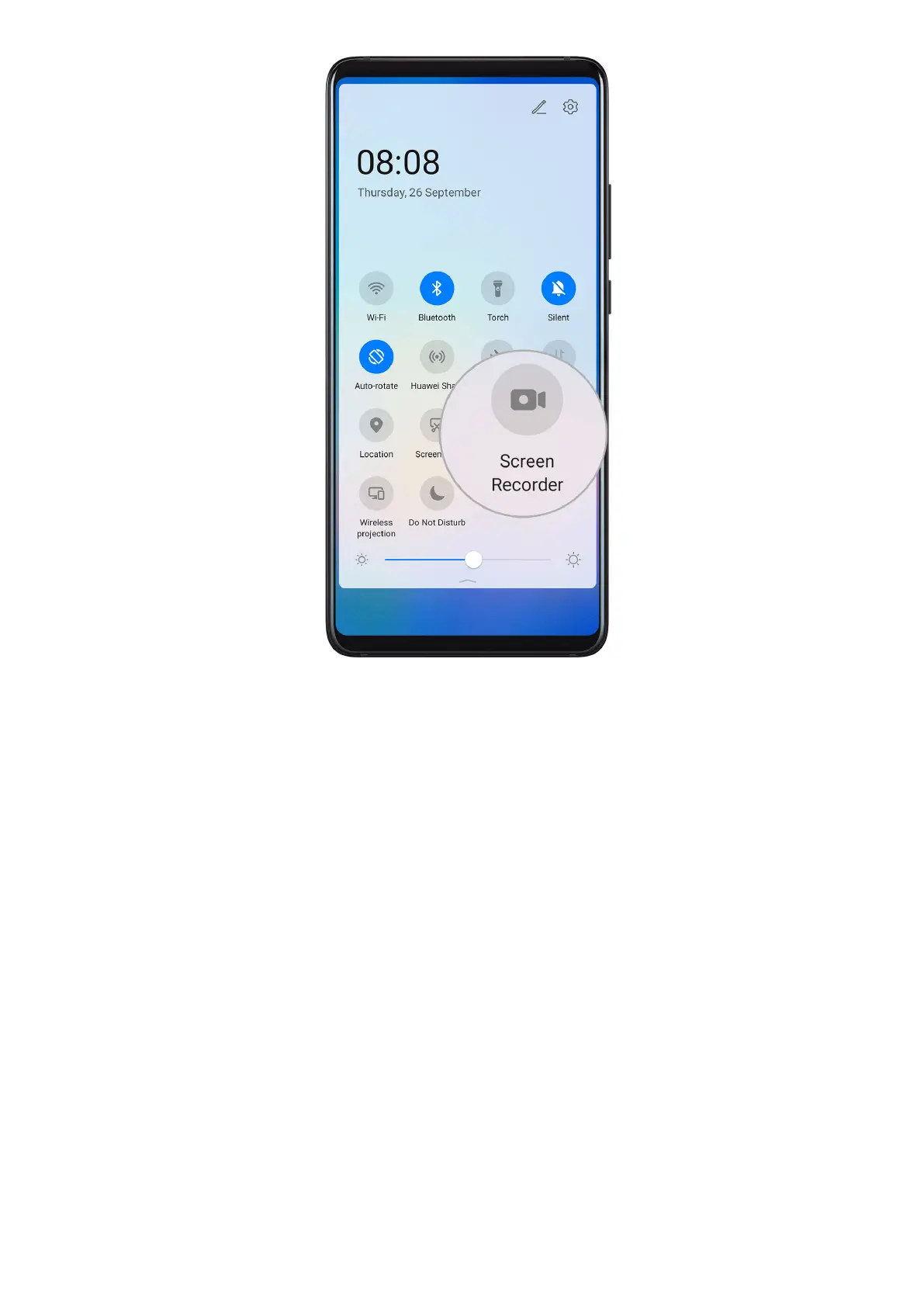
Use a Key Combination to Start Screen Recording
Press and hold the Power and Volume up buttons simultaneously to start screen recording. To
stop recording, press and hold both buttons again.
Use a Shortcut to Start Screen Recording
1 Swipe down from the status bar to open the
notication panel, then swipe down on it
again to show all shortcuts.
2 Touch Screen Recorder to start screen recording.
3 To stop the recording, touch the timer at the top of the screen.
4 The recording will be saved to Gallery.
View and Clear Notications
View and Clear Notications
View Notications
When there is a notication reminder, you can turn on the screen and swipe down from the
status bar to open the notication panel and view the notication.
Essentials
14











 To Next Page