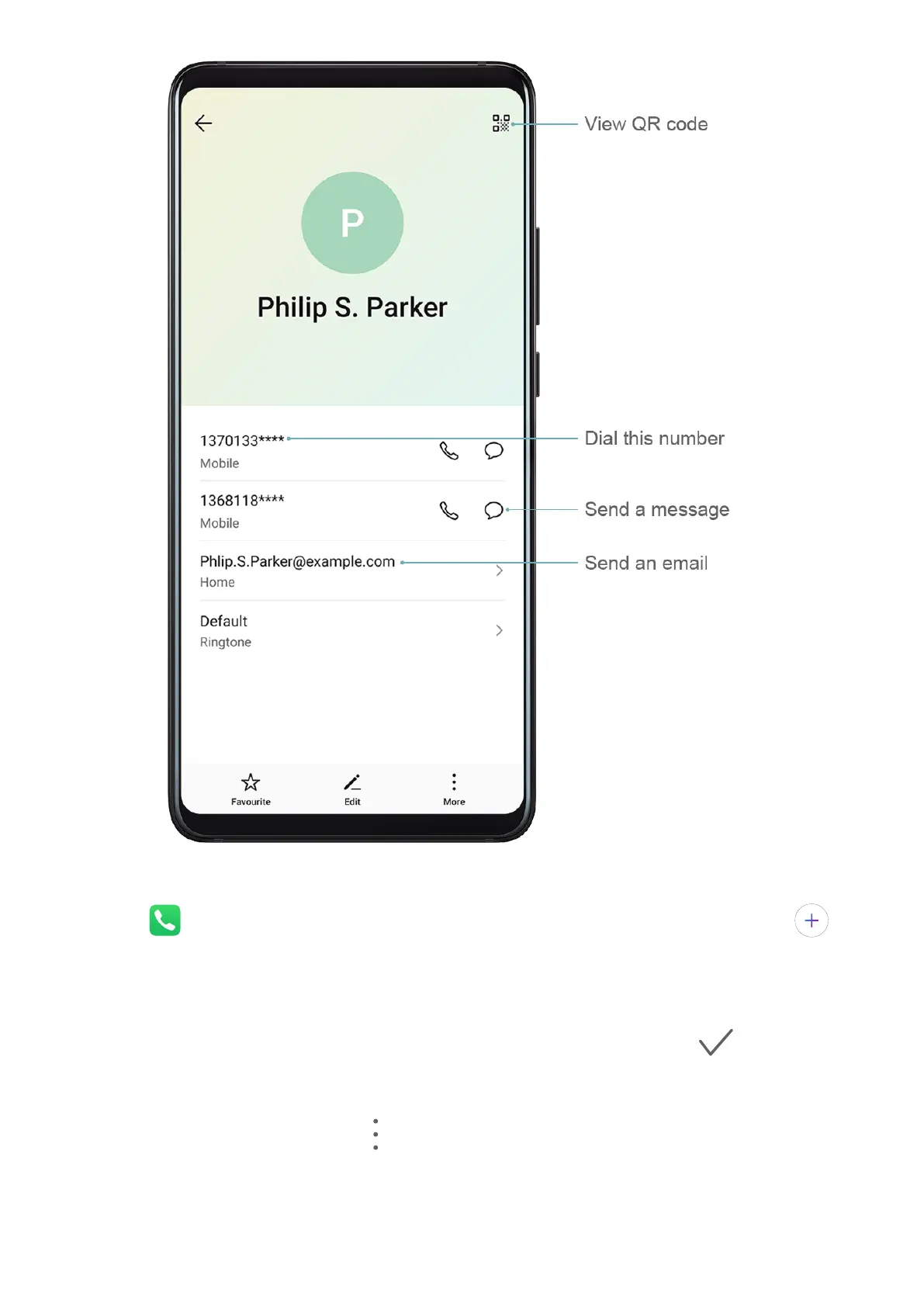
Create Contacts
1 Open Phone, select the Contacts tab at the bottom of the screen, then touch .
If you are creating a contact for the rst time, touch Create new contact to start adding
a contact.
2 Touch the camera image to set a prole picture for the contact, enter information such as
the name, organisation, and phone number of the contact, then touch .
Import Contacts
1 On the Contacts screen, go to > Settings > Import/Export.
2 Select Import via Bluetooth, Import via Wi-Fi Direct, or Import from storage, then
follow the onscreen instructions to import contacts.
Apps
42








 To Next Page