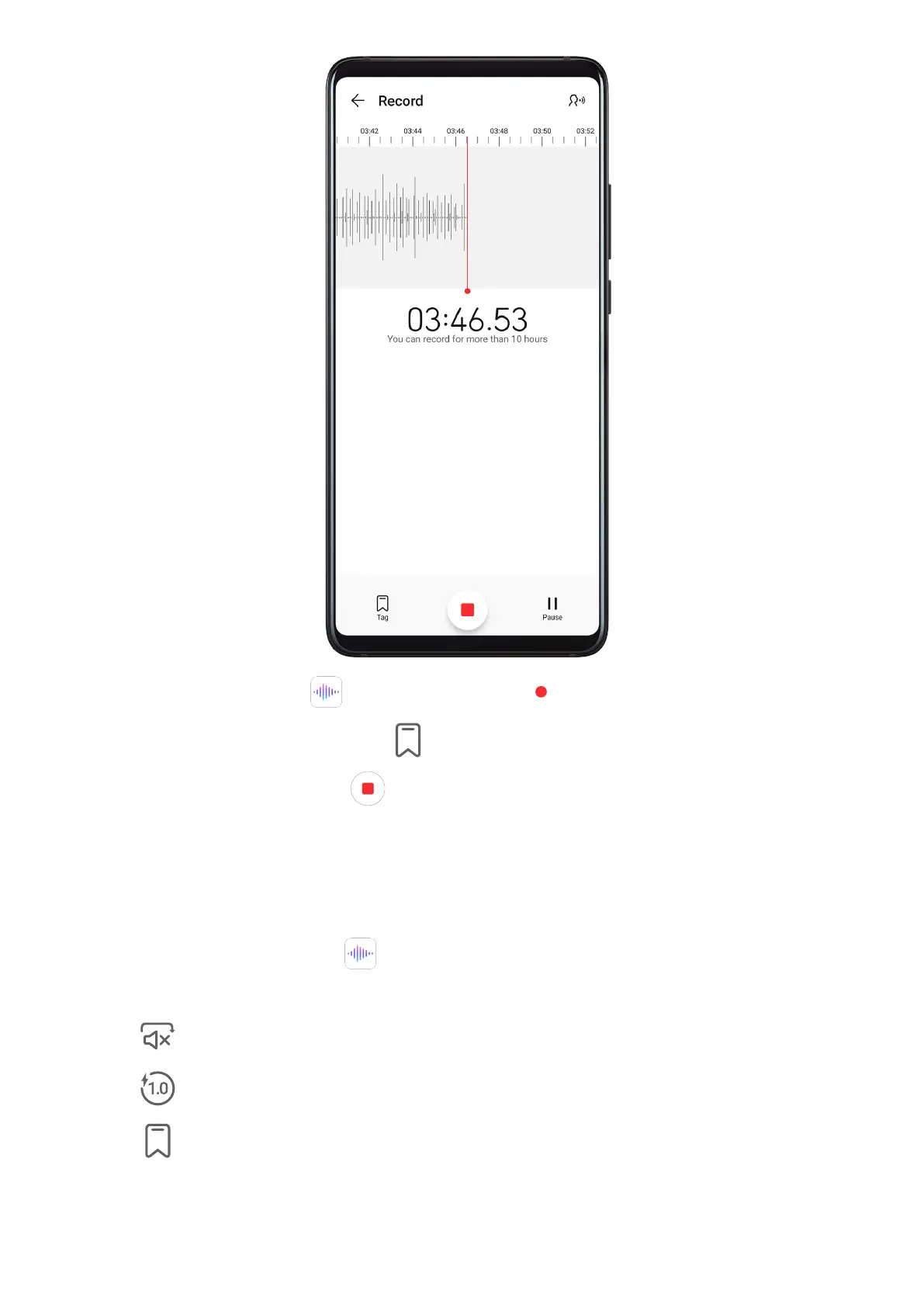
1 In the Tools folder, open Recorder, and touch to start a recording.
2 During a recording, you can touch
to add a tag.
3 When you are nished, touch to stop recording.
4 You can also touch and hold a recording, then share, rename, or delete it.
Recordings are saved under Files > Categories > Internal storage > Sounds.
Play a Recording
Recording
les are listed on the Recorder home screen. Touch a recording to play it.
On the recording playback screen, you can:
• Touch to skip the muted parts.
• Touch to adjust the playback speed.
• Touch
to add a tag.
• Touch a tag to rename it.
Apps
57










 To Next Page