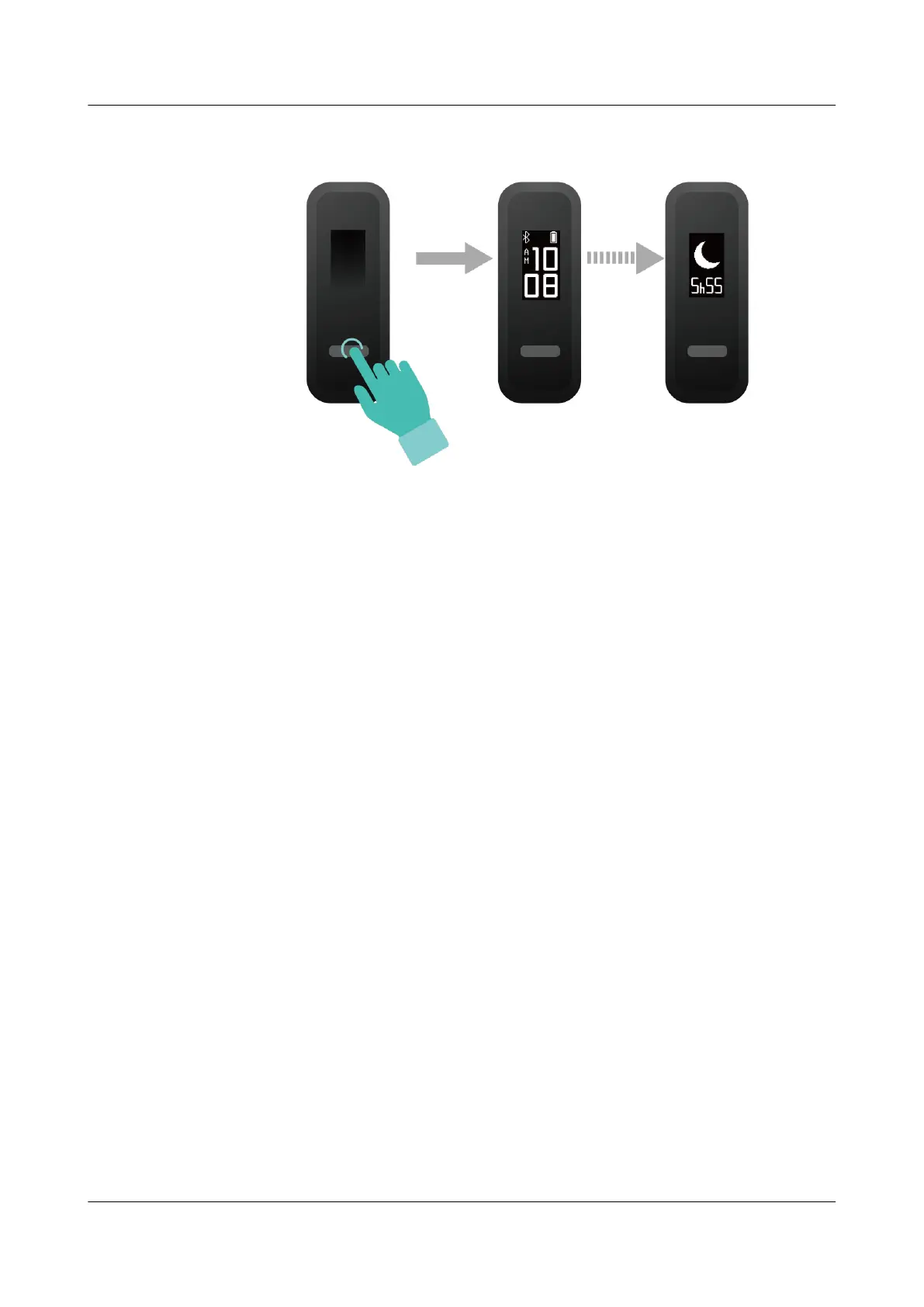
Method 2: View your fitness data through the Huawei Health app.
To view your sleep data, open the Huawei Health app and touch the Sleep card in your
Huawei Health app.
4.6 Syncing and sharing your fitness and health data
You can share your fitness data to third-party apps and compare with your friends.
For Android users:
To share your fitness data to a third-party app, open the Huawei Health app, go to Me >
Settings > Data sharing and select the platform you want to share to. Follow the onscreen
instructions specific to each platform.
For iOS users:
To share your fitness data to a third-party app, open the Huawei Health app, go to Discover >
Third party services and select the platform you want to share to. Follow the onscreen
instructions specific to each platform.
4.7 Dual device connection
You are able to connect a band in Foot mode and another Huawei/Honor wearable device to
your phone using the Huawei Health app. The second device must support heart rate
monitoring. After both devices are connected, your band is used as a running form monitoring
device while the other wearable device is used as a heart rate monitoring device.
1. Connect your band to your phone using the Huawei Health app. Secure the band body to
the shoe buckle and the band will automatically switch to Foot mode.
2. Connect the band to the phone using the Huawei Health app and connect another
Huawei/Honor wearable device to the phone using the Huawei Health app.
HUAWEI Band 4e
User Guide
4 Fitness and health
Issue 01 (2019-11-05) Copyright © Huawei Technologies Co., Ltd. 21



 To Next Page