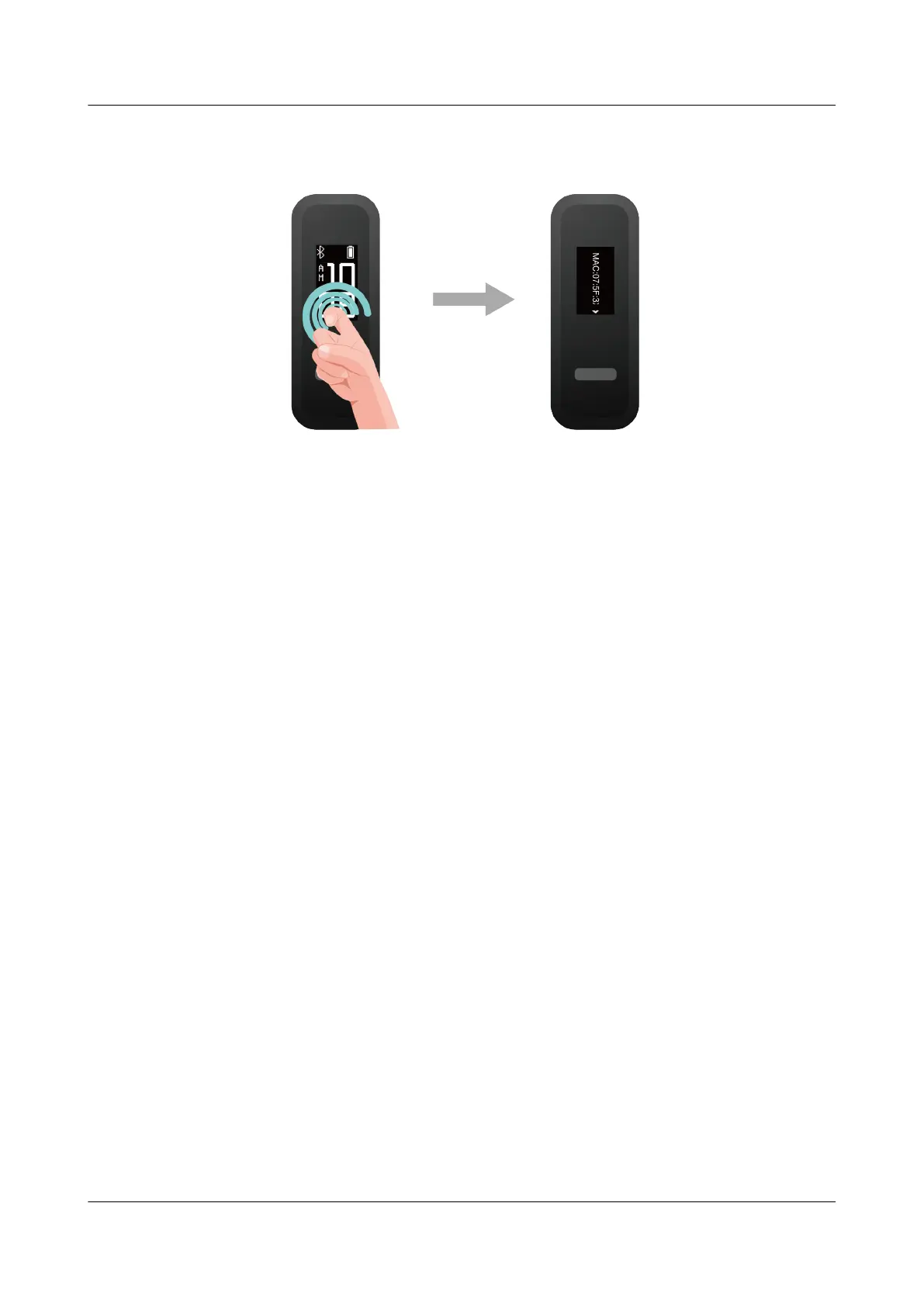
Method 2: View the Bluetooth name and MAC address on the back of your band. The band's
MAC address is displayed as 12 alphanumeric characters next to MAC:.
Method 3: Open the Huawei Health app and touch Devices. Touch your device name. The
MAC address of your band will then be displayed next to Restore factory settings.
HUAWEI Band 4e
User Guide
6 Updating and factory reset
Issue 01 (2019-11-05) Copyright © Huawei Technologies Co., Ltd. 27



 To Next Page