14
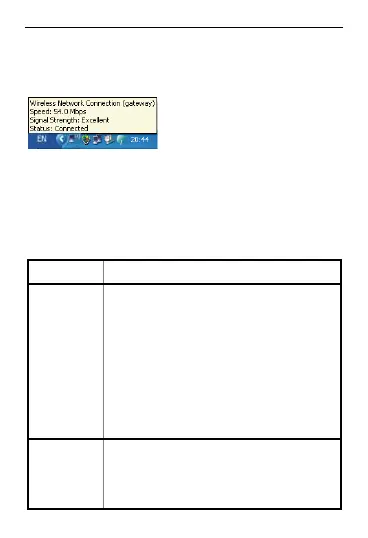
Wait until the wireless connection icon is
displayed in the status area in the lower right
corner of the screen. Then, you can connect
your PC to the EC5805.
the Internet
tablish a Wi-Fi connection
, you can access the Internet
following two mode
On Demand.
3 ccess
After you es
successfully in
either of the s. By default,
the mode is
Mode Operations
. A
On
Deman
d en
ired.
m
After the EC5805 is powered
on, it can automatically
connect to the network wh
data transmission is requ
If data transmission is not
performed over a period of
time, the EC5805
au
tomatically disconnects fro
the Internet.
M
ect
ct from the
network as prompted.
anual You can launch web
management page to conn
to or disconne



 To Next Page