22
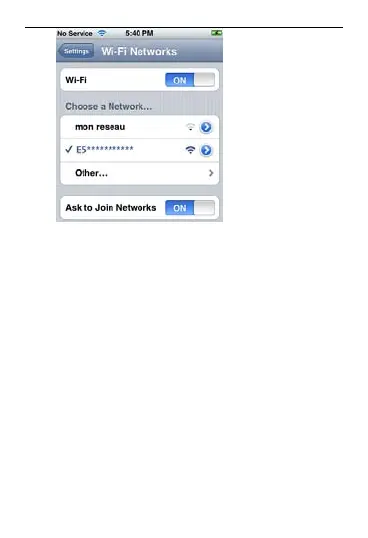
3. Select a network whose name is the
ouch,
3
via
ope e
Wi-
Fre
(F
same as that of the EC5805.
4. If necessary, enter a password and tap
Join. (Networks requiring a password
appear with a lock icon.)
Note: The Wi-Fi Clients such as iT
PS , and NDS can also access Internet
the EC5805. For details about the
ration, follow the user guides of th
Fi Clients.
quently Asked Questions
AQ)



 To Next Page