can try the following ways:
z See Help on the web management page.
z
z
z
2. .
Restart the EC5805.
Restore the factory defaults.
Contact your service provider.
Example: Wi-Fi Connection to
Game Machine (PSP)
1. Turn on the PSP WLAN switch.
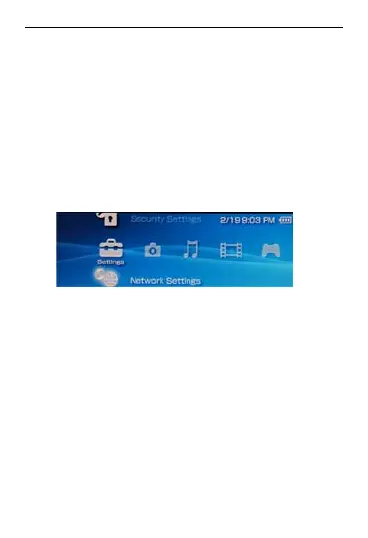
Select Settings > Network Settings
Select Infrastructure Mode to co
your local Wi-Fi access point.
Select New Connection to specif
mnemonic connection name (such
MyEC5805).
Select Scan to detect networks in
3. nnect
4. y a
as
5. ange.
r
Then the access point list is displayed.
19



 To Next Page