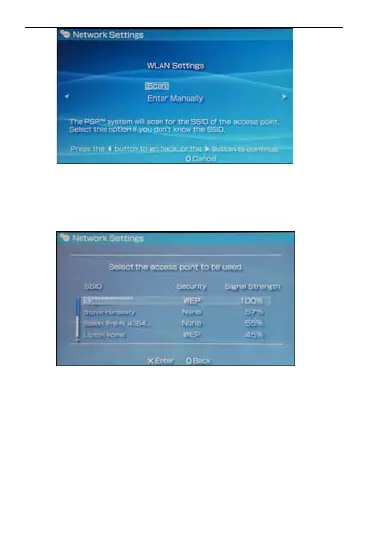
6. Select the SSID same as that of the
EC5805. Then press the > button
consecutively to confirm the SSID and
input the Wi-Fi key.
SSID: The Wi-Fi name of the EC5
WEP: The Wi-Fi key of the EC580
The default SSID and key label is
attached on the EC5805.
Press the > button to continue, an
z 805.
z 5
z
7. then d
press X to save settings.
8. Select Test Connection to check the
connection. If the test succeeds,
20



 To Next Page