Getting started
6
Getting started
Locking and unlocking the screen
Locking the screen
•
Method 1: Press the power button to manually lock the screen.
•
Method 2: After being idle for a specified period of time, the screen will lock itself
automatically.
Unlocking the screen
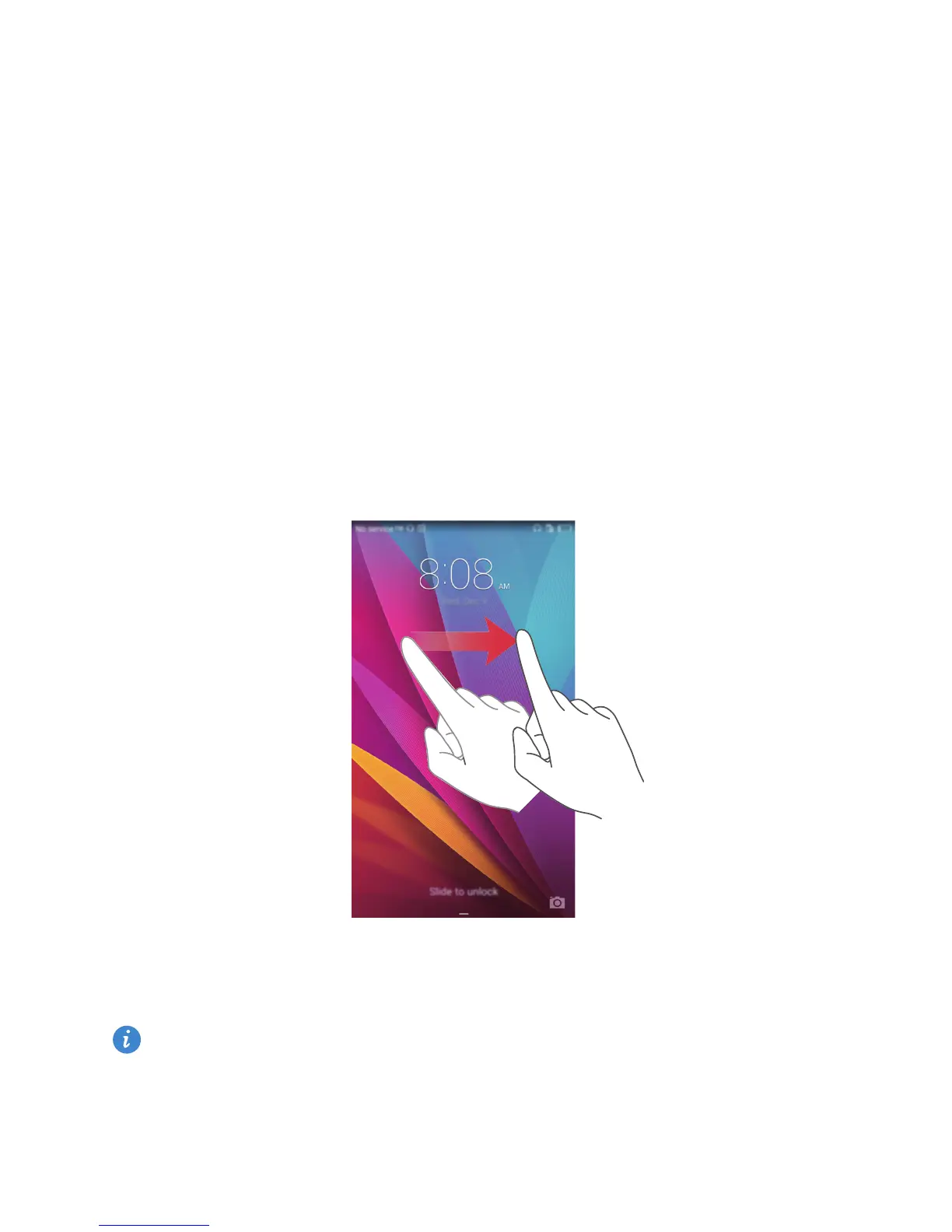
When the screen is off, press the power button to turn it on. Slide your finger in any
direction to unlock the screen.
Dual SIM settings
This feature only applies to dual SIM phones.
Enabling or disabling a SIM card
You can enable one or both SIM cards. When you disable a SIM card, you will not be able
to use it to make or receive calls, send text messages, or access the Internet.



 To Next Page