Highlights
3
One-hand layout
1
On the home screen, touch
Settings
.
2
Under
All
, touch
One-hand UI
>
One-hand layout
.
3
Enable
One-hand layout
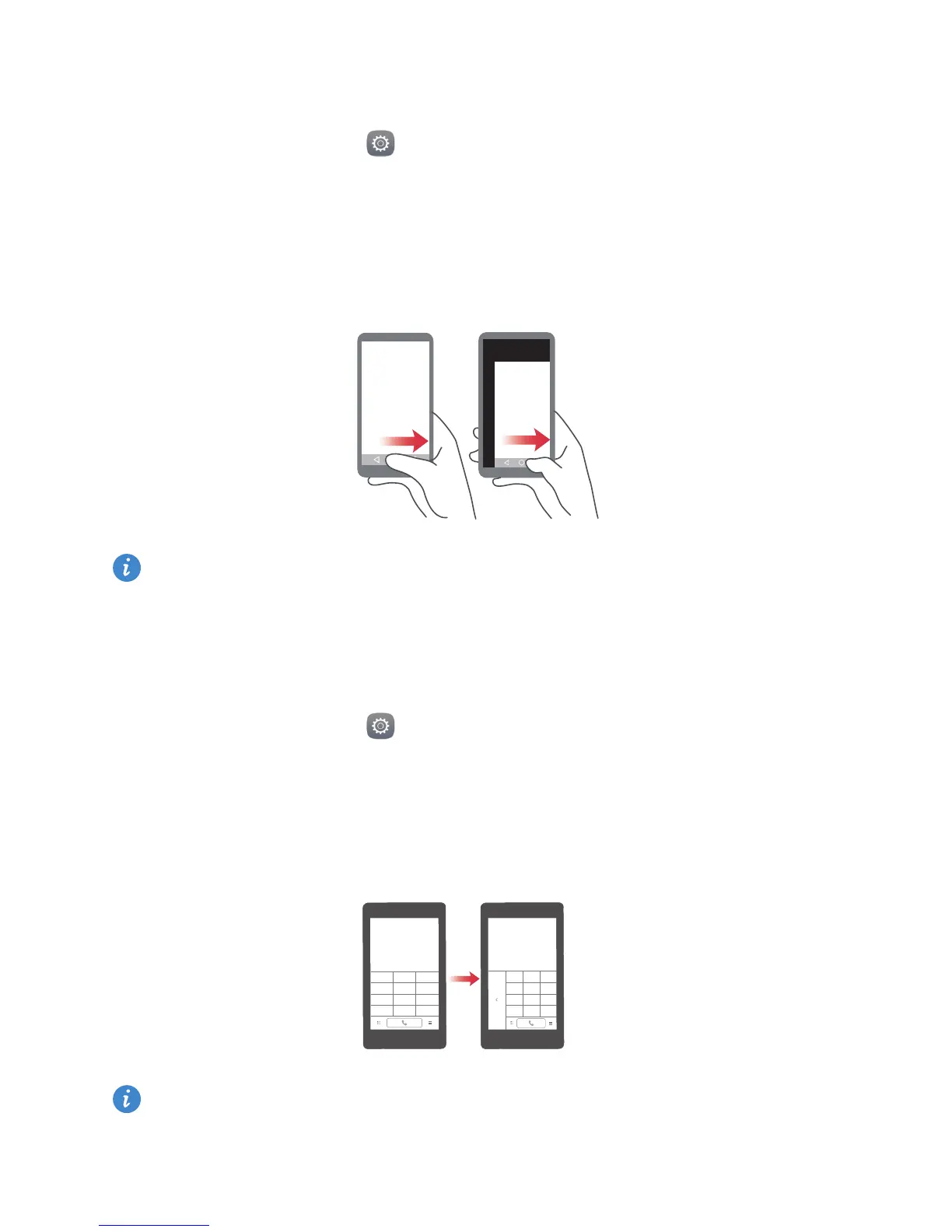
. You can then swipe the virtual navigation bar to either side to
change the screen layout, bringing everything within reach.
This feature is available only on phones that support a virtual navigation bar. If the
virtual navigation bar is replaced by film navigation keys, this feature will not be
available.
Shifting keyboard
1
On the home screen, touch
Settings
.
2
Under
All
, touch
One-hand UI
>
Shifting keyboard
.
3
Enable
Shifting keyboard
. You can then touch the arrow on either side of the screen to
move the keyboard, dialer, or in-call menu to the side within reach.
This feature may not be available on all phones.



 To Next Page