Enabling Tablet Mode
Tablet mode provides a convenient interface that lets your computer function like a tablet when
no mouse or keyboard is connected.
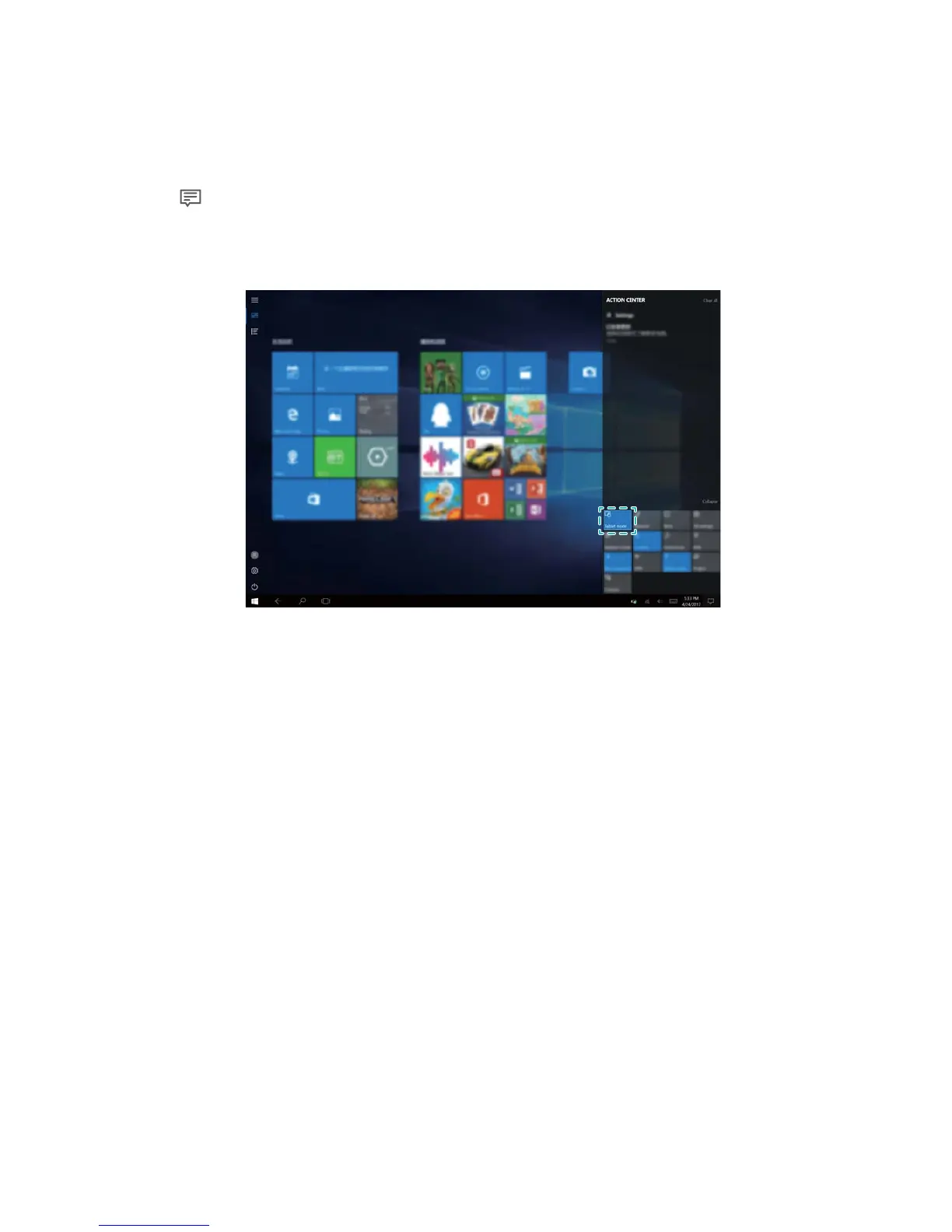
1 Click in the lower-right corner of the screen, or swipe left from the right side of the screen
to launch the action center.
2 Enable Tablet Mode in the action center.
About Windows 10
9














 To Next Page