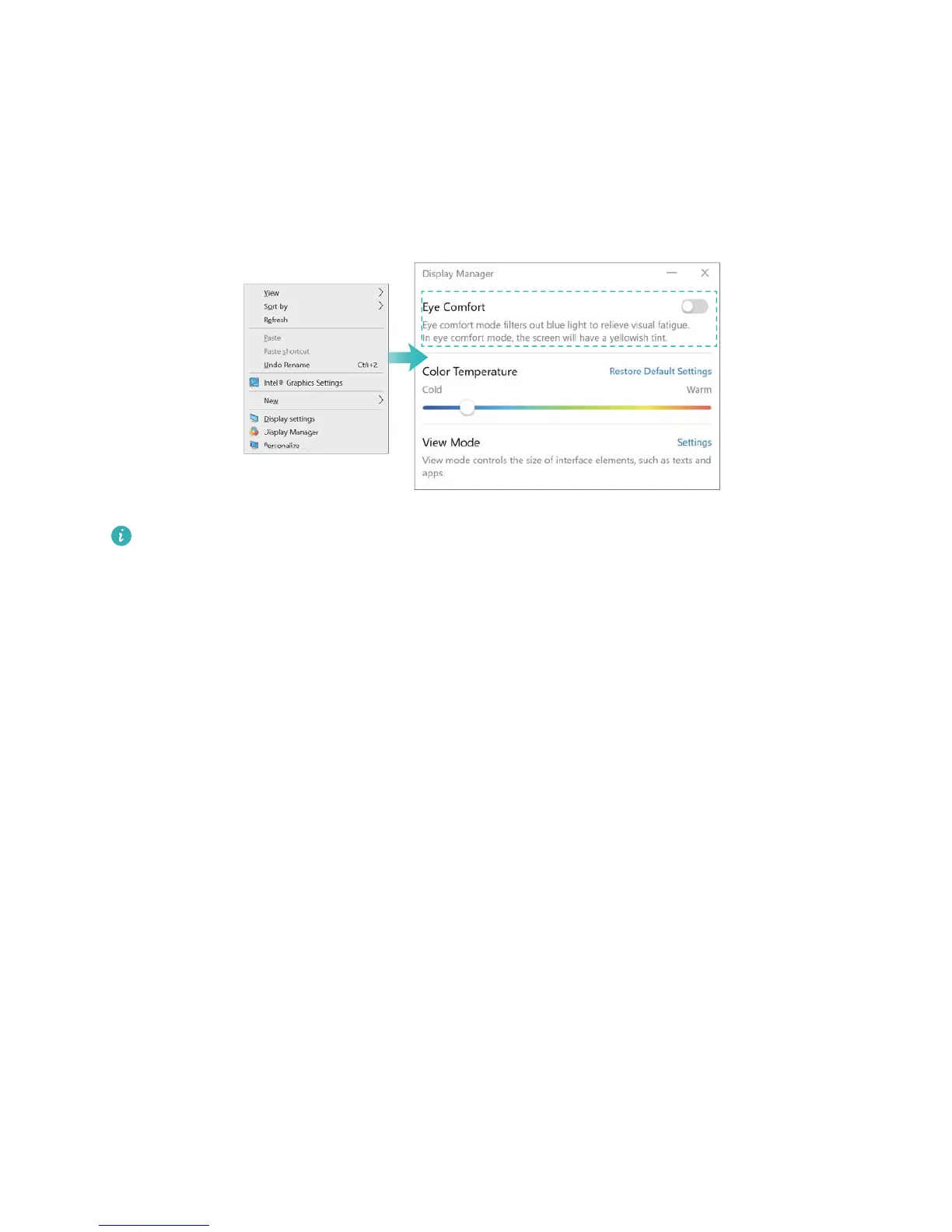
Eye protection mode
When reading text on your computer, enable eye protection mode to reduce blue light output and
prevent eye strain and fatigue.
Right click on a blank part of the desktop to open the display management screen, and enable
eye protection mode.
Eye protection mode reduces the amount of blue light emitted from the screen, which may
give the screen a slightly yellow hue.
13














 To Next Page