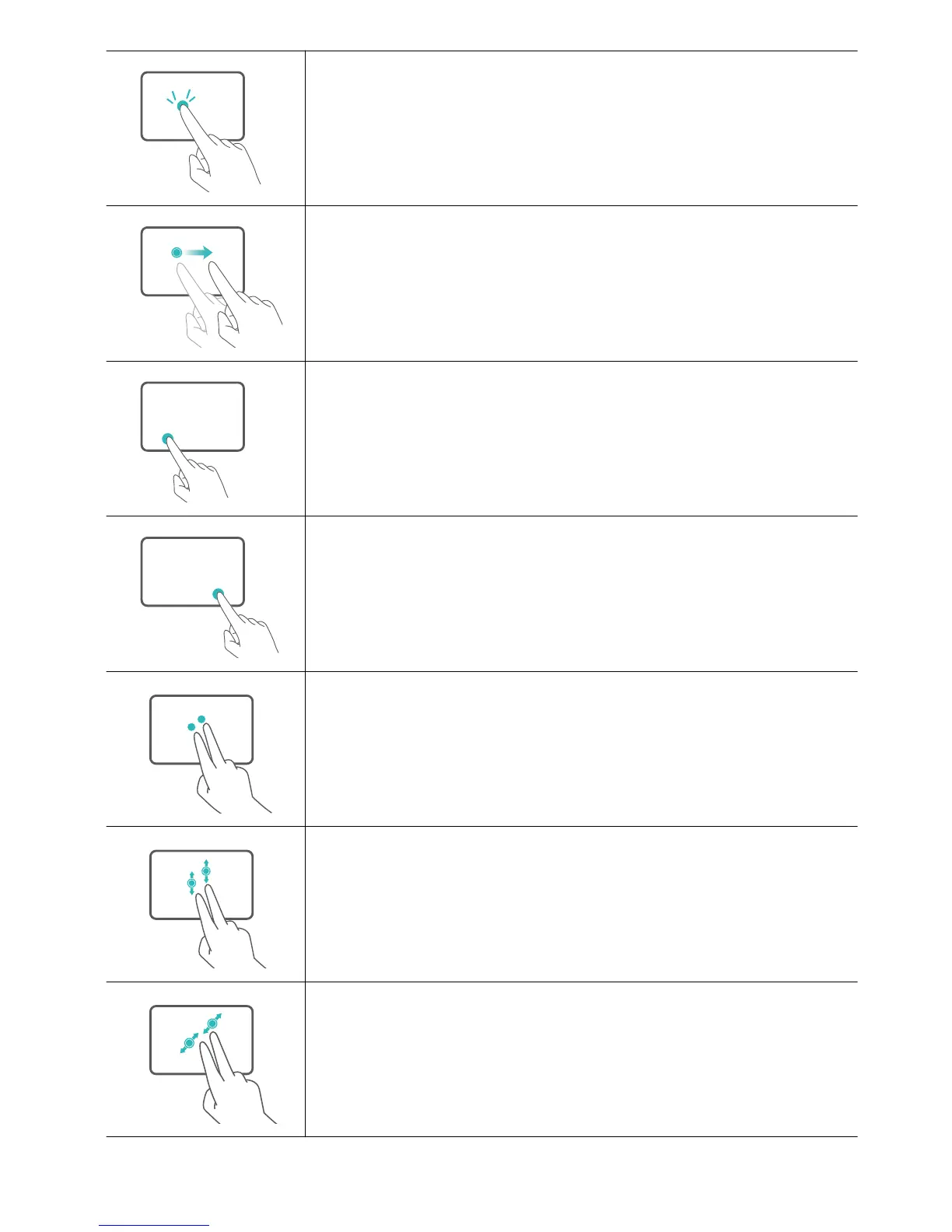
Touch twice with one finger: Double mouse click.
Swipe with one finger: Move the cursor across the screen.
Left button: Left mouse click.
Right button: Right mouse click.
Touch with two fingers: Right mouse click.
Swipe up or down with two fingers: Scroll up or down.
Spread or pinch two fingers: Zoom in or out.
HUAWEI Folio Keyboard
17














 To Next Page