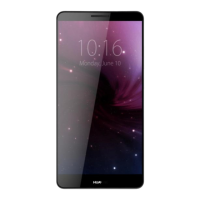
HUAWEI MT7-L09 Smartphone Hotline FAQs
Huawei Proprietary and Confidential
Copyright © Huawei Technologies Co., Ltd.
1.4 Installation
1.4.1 How do I remove the battery cover and take out the built-in
battery?
You are not allowed to remove the battery cover or take out the built-in battery.
1.4.2 How do I install the micro-SIM and microSD cards?
Follow the instructions in the following figures to install your micro-SIM card and microSD
card. Before you insert or remove the micro-SIM card and microSD card, power off your
phone.


 To Next Page