CC Operation using the simulated Number Pad
Function number menu Keyboard
Function number menu:
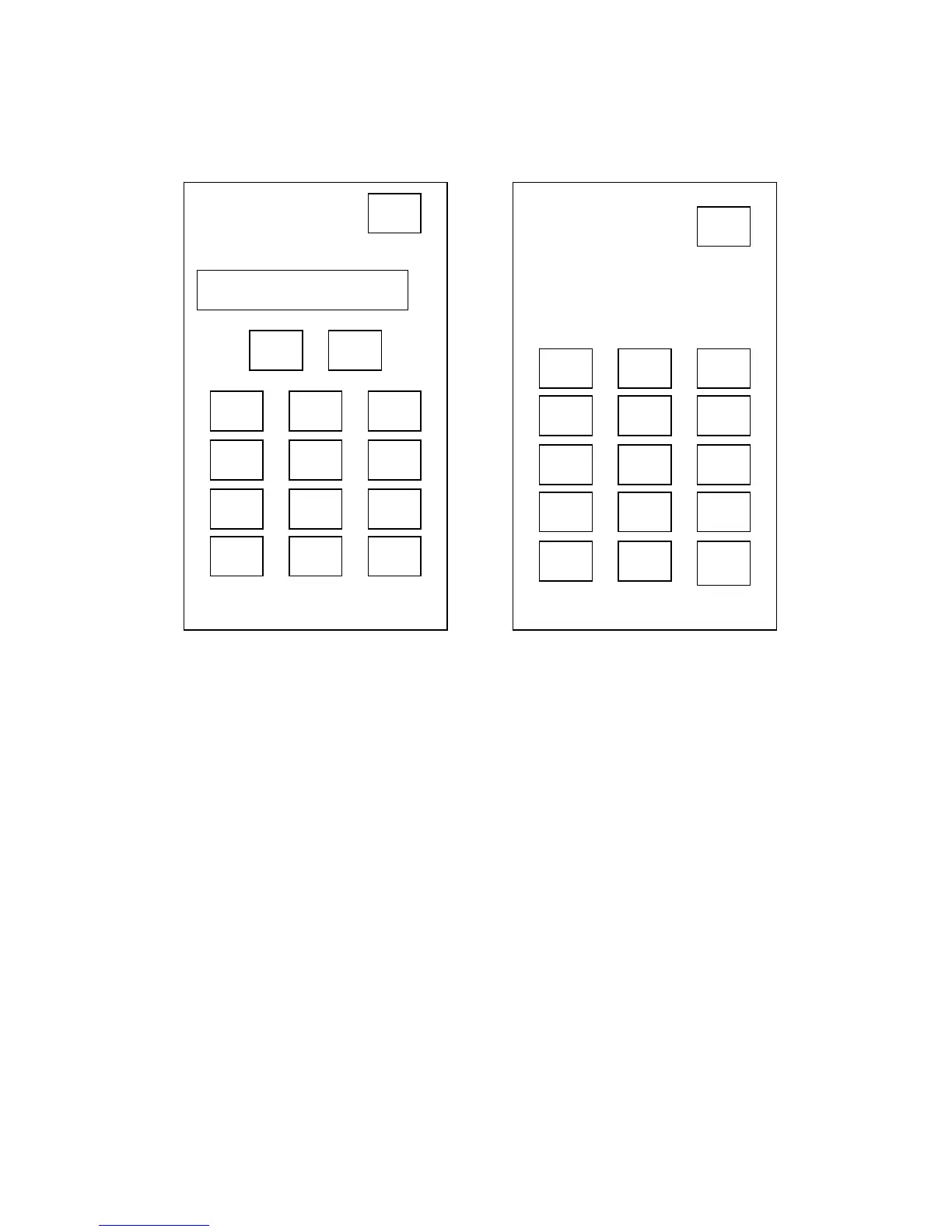
Pressing the Funct.No. area at the bottom of the graphic display (60) will bring up the
Number pad display. By using the rotary knob /key (61) you may enter the
corresponding number fields, arrow fields, the ESC-Field and the Ok Field. Please note
that the required function number can also be selected by rotating and then pressing
the rotary knob / key (61). Once a valid function number is entered, the function
number and description will appear in the graphic display. The UP / DOWN arrow keys
can be used to step through the function list. Press the OK button to accept the
function, and close the number pad. The functions are going to be displayed in the
graphics display (60) Further description on individual functions are to be found in
chapter Function numbers and their meanings.
Keyboard:
By activating the KEYB Function you may also enter values. This function will be
offered when entering the set-point / set-point limits. Please note that the required
function number can also be selected by rotating and then pressing the rotary knob /
key (61). The selected field will then be highlighted.
1



 To Next Page