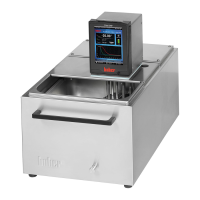
Quick guide for CC-thermostats
Checklist for initial operation:
1. Make sure that the machine is connected correctly and enough thermal fluid is
inside.
2. Switch on the unit via the mains switch!
3. Make sure that the over-temperature is set correctly.
4. Make sure that the set-point limits (min and max) are set correctly.
5. Enter e.g. a new set-point!
6. Make sure that you have set the correct temperature control mode (e.g.process)!
7. Start temperature control!
Operation:
Setting the over-temperature protection:
1. Select the function over-temperature from the compact menu!
2. Select the menu point, setting the over-temperature protection!
3. To adjust the over-temperature a code is being given out via the display for
several seconds.
4. You are being requested to enter a code!
5. Enter the code which has been displayed previously!
6. The over-temperature can be adjusted if the code has been entered correctly!
7. The new over-temperature value will be now displayed!
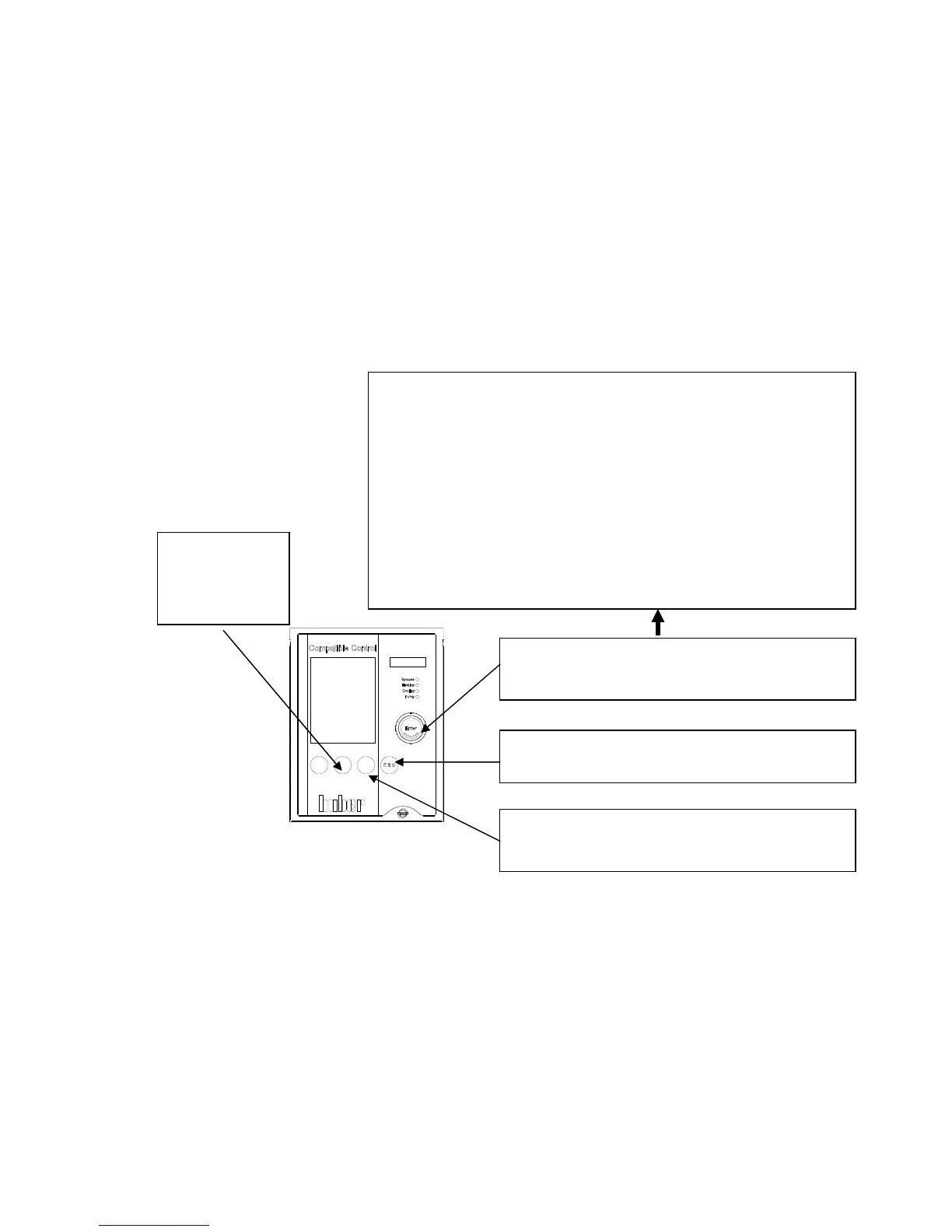
Button for main menu and menu selection.
By pressing the rotary knob / encoder you can reach the
compact menu with above mentioned functions.
T-set button
Press this button to
enter a new set-
point.
ESCAPE-Button
To cancel a process (entry), press the ESC button.
START / STOP-Button
Here you can start / stop circulation, air-purge and
thermoregulation.
Compact menu:
Display modes Here you can select the graphic display.
Comfort menu Here one can have displayed the whole menu function.
Program edit Here you can edit a temperature program.
Program start & stop Here you can start / stop a temperature program.
Pump settings Here you can predefine a pump speed.
Start ramp Here you can predefine a temperature ramp.
Control parameters Here you can select/predefine control parameters.
Set-point Here you can predefine a set-point.
Set-point limits Here you can set set-point limits.
Start&Stop Here you can start / stop temperature control.
Temperature control mode Here you can select between jacket / process control
Over-temp. Protection Here you can set the over-temperature protection.
Select user menu Here you can select an individual menu.
Exit



 To Next Page