
 Need help?
Do you have a question about the Huion H610PRO and is the answer not in the manual?
Lists common issues with the tablet hardware and provides potential solutions.
Lists common issues related to the system/computer and provides potential solutions.
 General
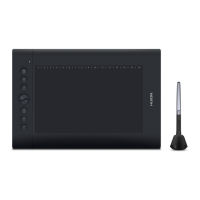
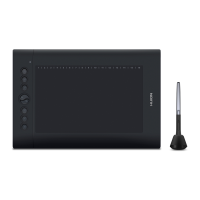
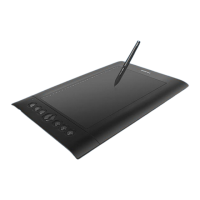
| Active Area | 10 x 6.25 inches |
|---|---|
| Pressure Sensitivity | 8192 levels |
| Resolution | 5080 LPI |
| Report Rate | 233 RPS |
| Express Keys | 8 |
| Function Keys | 16 |
| Connectivity | USB |
| Pen Technology | Battery-free Electromagnetic Resonance |
| Reading Height | 10 mm |
| Pen Buttons | 2 |
| OS Compatibility | Windows 7 or later, macOS 10.12 or later |
| Dimensions | 353 x 245 x 10 mm |
| Weight | 635 g |




 To Next Page