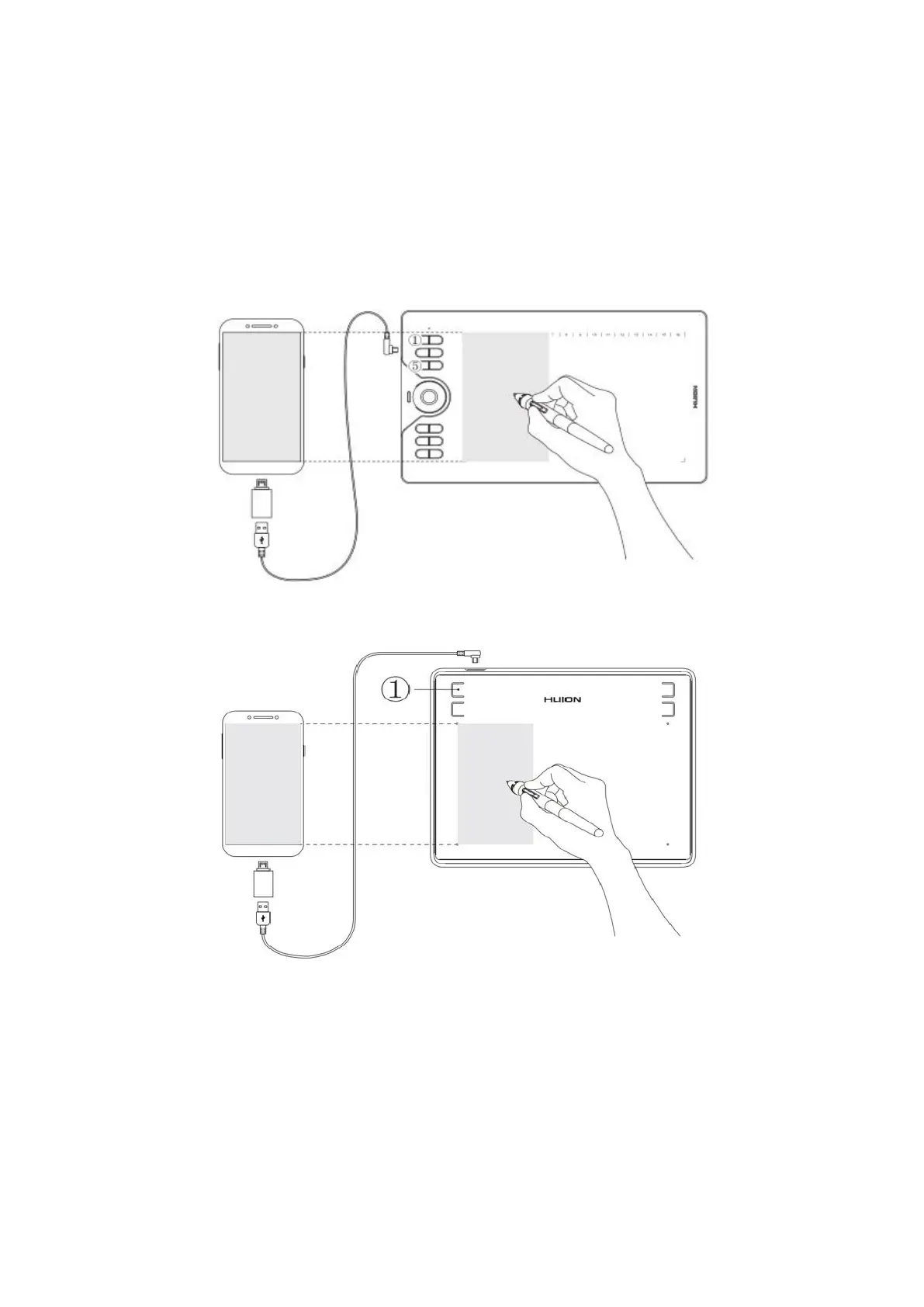
Nope. The pen tablet can work without installing any driver into your phone or tablet.
But you’ll need to install a driver first when connecting to a PC.
7. What should I do when the tablet fails to enter the phone mode?
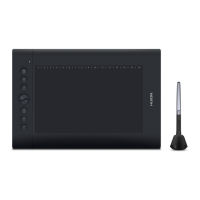
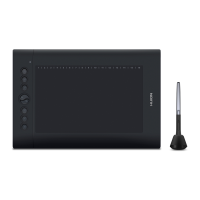
When the HS610 pen tablet fails to enter the phone mode automatically, please press
button
①
and
⑤
at the same time for 3 seconds to enter the phone mode.
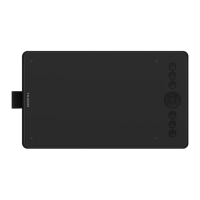
When the HS64 pen tablet failed to enter the phone mode automatically, please press
the button
①
for 3 seconds to enter the phone mode.
8. What App can be used in phone mode?
Theoretically, as long as it is a drawing software that can be used under Android OS,
then you can use that drawing software in the phone mode.
9. Can I use the tilt function of HS610 in the phone mode?
If the software you use can support the tilt function, then you can use the tilt function
in the phone mode.




 To Next Page