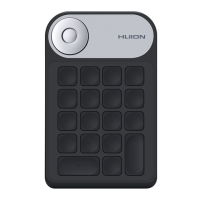
Select "Custom Function" and "RaDial", and then you can set Dial Functions. See
Section.
When select "None", Dial will have no function and will not execute any order while
rotating.
3. Dial Sensitivity
In "Custom Function" mode, click to adjust the sensitivity of Dial from level 1 to level 5, among
which level 1 represents the slowest and level 5 represents the fastest.
4. Sleep Time
By default, the device will turn into sleep mode in 30 minutes when you are not using, but you
can also set the sleep time to 15 mins, 30 mins, 1 hr. or 1.5 hr. according to your usage
habits.
5. Restore Default
Click to restore all the default settings. Including LED light brightness, Dial function setting,
Dial sensitivity, sleep time, Keys function setting and so on.
6. Keys Function Setting
You can customize the functions and names of these buttons according to your own habit. See
Section.
Keys Function Setting
Keys
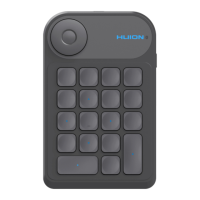
You can customize the functions and names of these buttons according to your own habit.
Place the cursor on a key to display its current function;
16 / 29


 To Next Page