Blue light Working
Flash red light Low battery
Red light Charging
Green light Fully charged
Light off ① Sleep state (You can wake it up by pressing any key)
② Off state
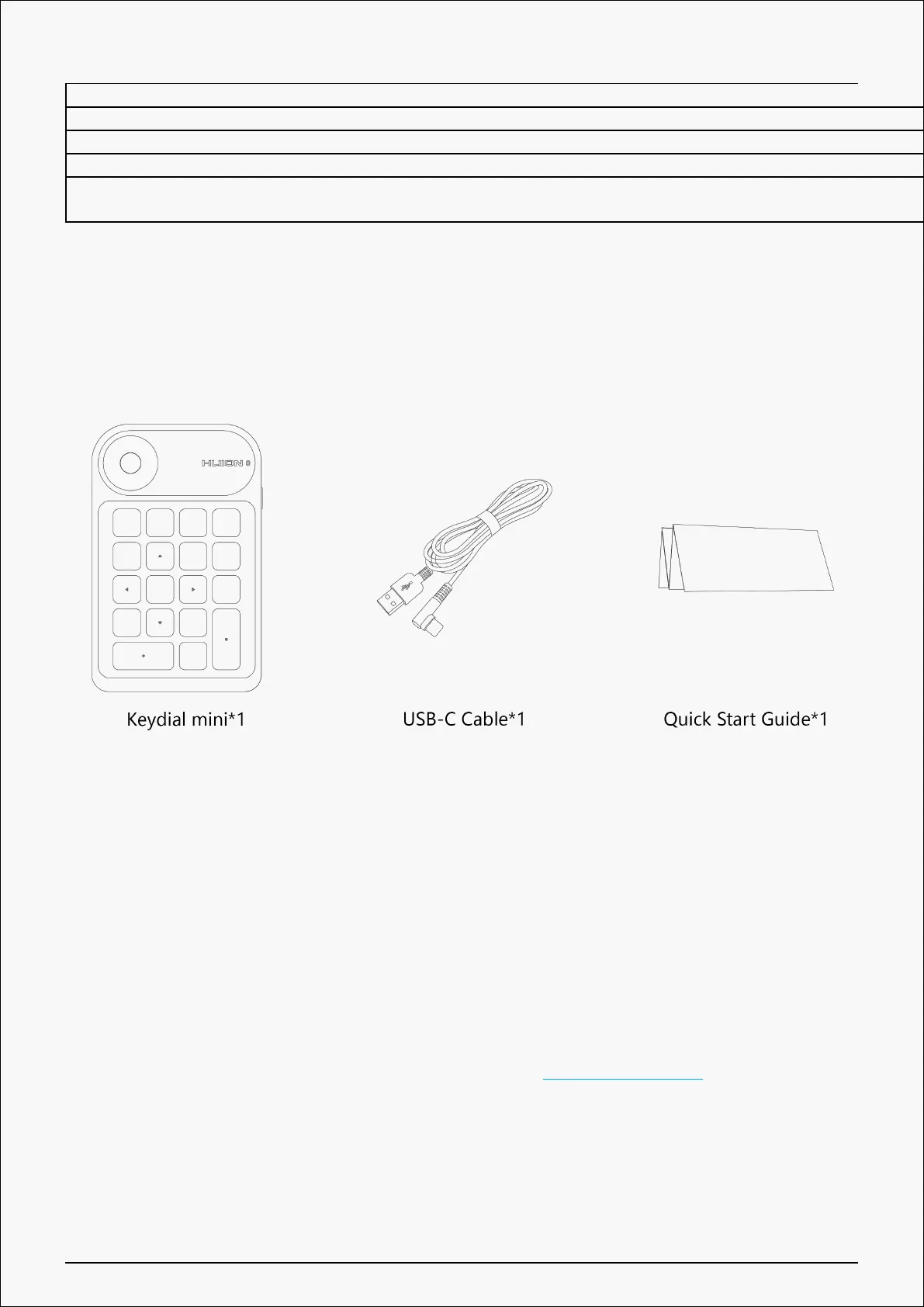
Accessories
Connection
The one-handed keyboard can be connected to a computer or mobile device with USB-C cable
or Bluetooth.
Wired Connection
① Take out the USB cable from the package, and then connect Keydial mini to your computer;
② Please download the Keydial Driver from our website: Driver-Keydial mini;
③ Open the driver interface, and the device picture will be displayed on the interface,
indicating that the one-handed keyboard is successfully connected to the computer. Now you
can start to use the one-handed keyboard.
4 / 29


 To Next Page