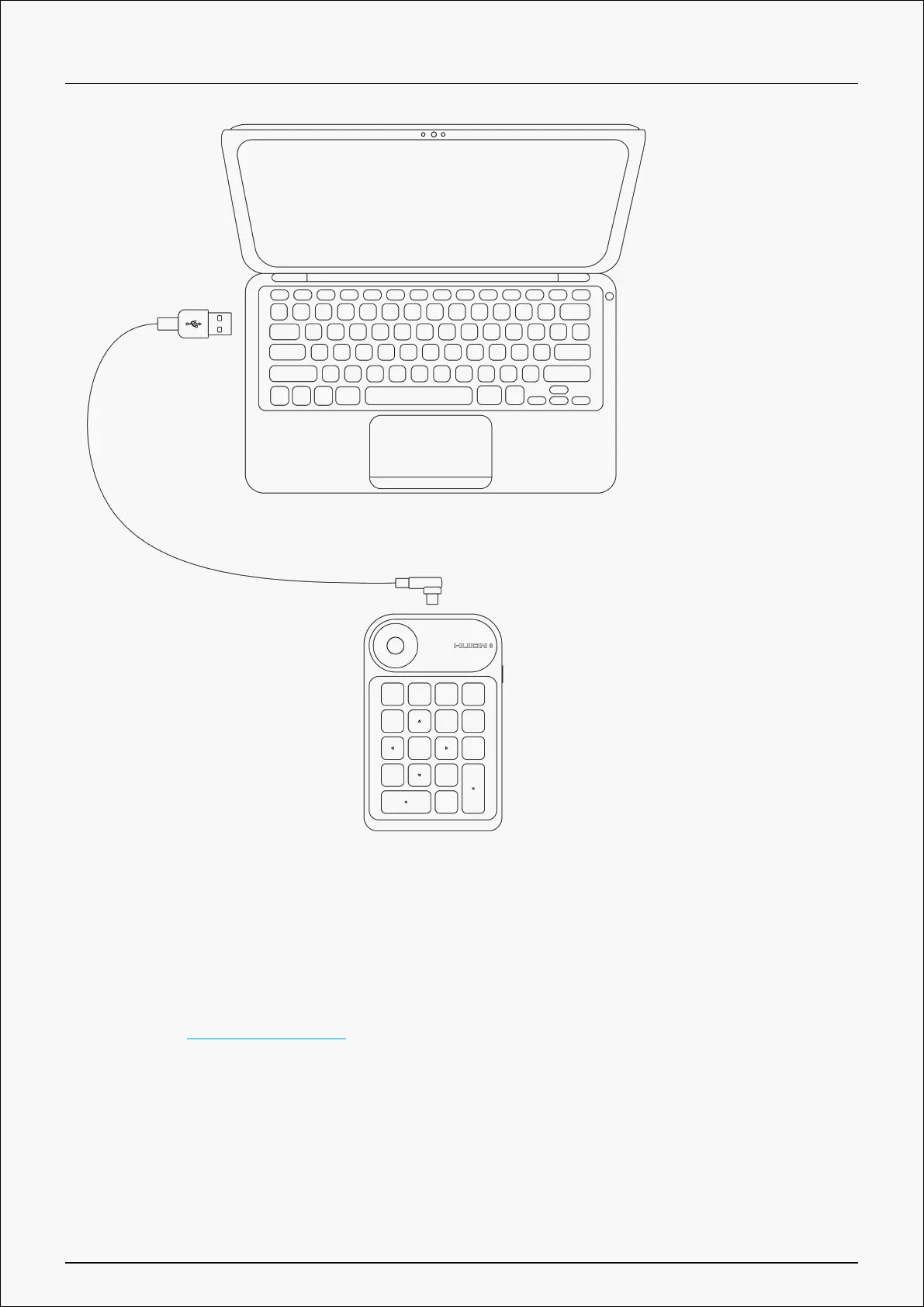
Bluetooth connection
① Enable Bluetooth on your computer or mobile device;
② Download _Driver-Keydial mini from our official website with your computer or download
HuionKeydial APP with your mobile device.
③ Press the Power button on your Keydial mini to start the one-handed keyboard (If no
Bluetooth connection request is detected within 3 minutes, the one-handed keyboard will shut
down automatically)
④ Find out and connect the Bluetooth (Keydial mini-xxx) of the one-handed keyboard on your
computer or mobile device according to system prompts.
5 / 29


 To Next Page