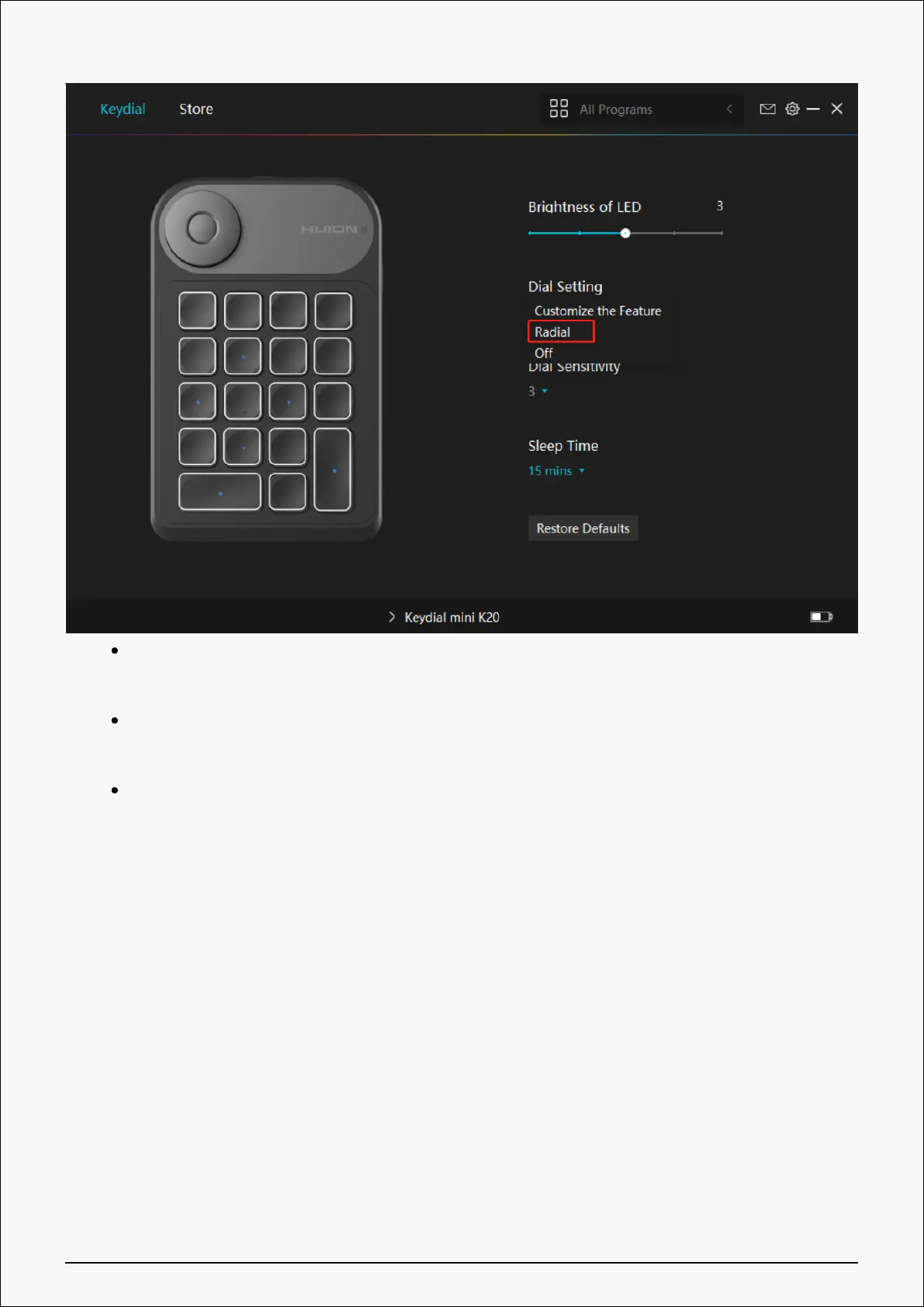
Open Windows Setting>Device>Wheel.
Select default tool or custom tool of the wheel.
Rotate the knob clockwise/counterclockwise, then you can use Dial.
③ None:
Dial has no function and will not execute any order while rotating.
Driver Setting
1. Device
Here you can view the firmware version and click to run the device diagnostic tool.
25 / 29


 To Next Page