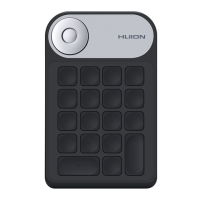
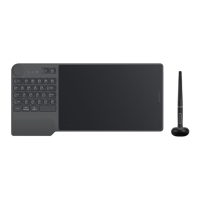
Dial Setting
You can use Dial alone, or you can use it in Radial module of Windows.
Set in HuionTablet driver to change or customize Dial function.
Please jump to Windows setting>device>wheel to change or customize Radial
function.
Besides, you can press Dial to switch among the three customized functions; Long press Dial
to switch among tools in Radial menu of Windows; short press Dial to confirm the selected
tool.
Click the drop-down box of "Dial Function" to present three options: “Custom Function”,
"Radial" and "None".
21 / 29


 To Next Page