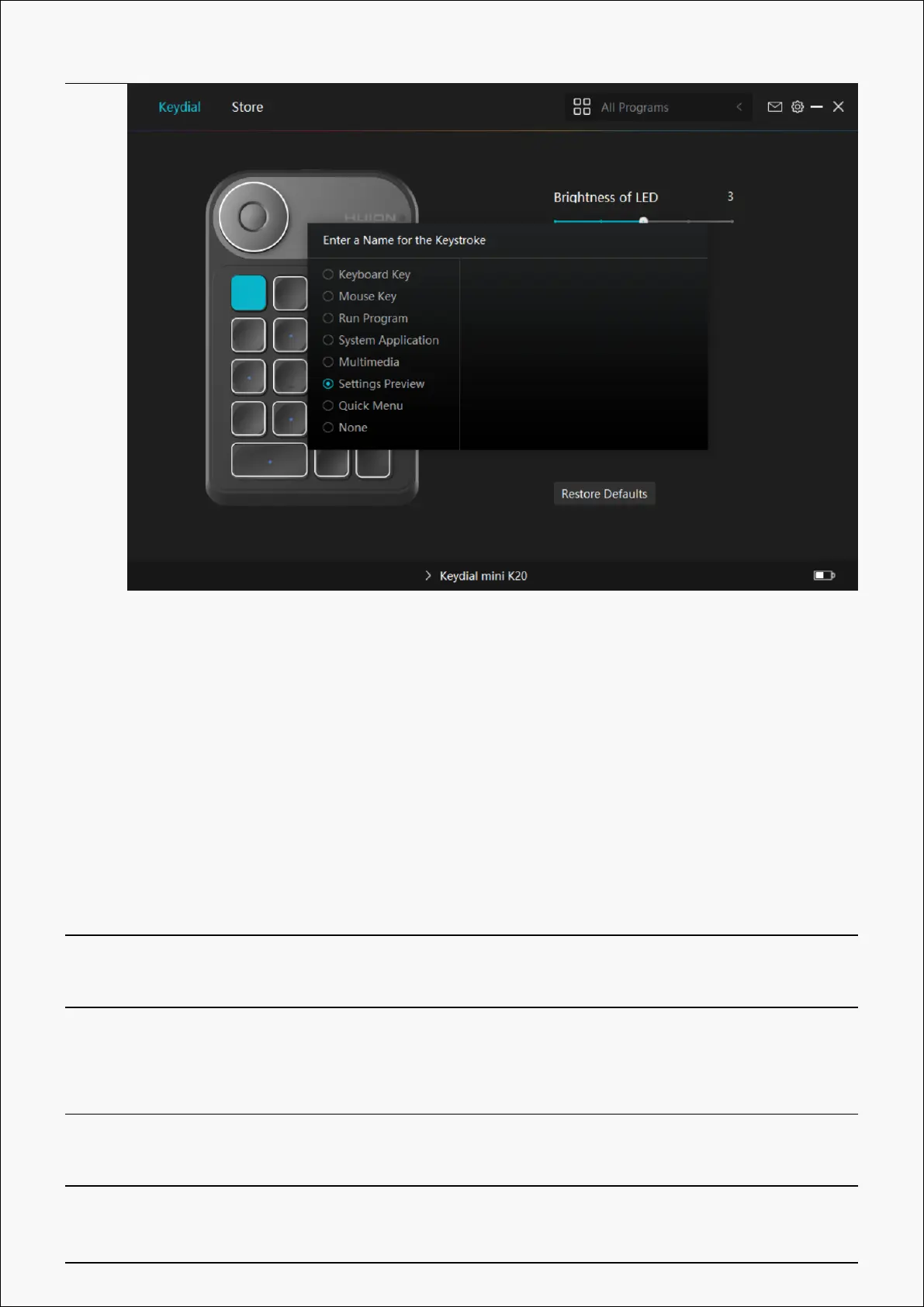
Please refer to the setting list to help you decide whether or not to change the specified
setting.
Note: Driver function may vary with system and driver version. Please refer to the actual
version. . And this table is subject to change without notice.
The functions of the press keys are as follows:
Keyboard Key Click on the input box above and enter a valid key combination to create a
shortcut.
Mouse Key The key can be set with the function of left/right/middle button, left button
double-click and wheel. Mouse function and Modifier key can be used
together.
Run Program Click Browse and select the program that you want to run quickly. After
that, press the key to launch the item.
System Application You can apply these functions to press keys: Lock the Screen, Sleep, Power
18 / 29


 To Next Page