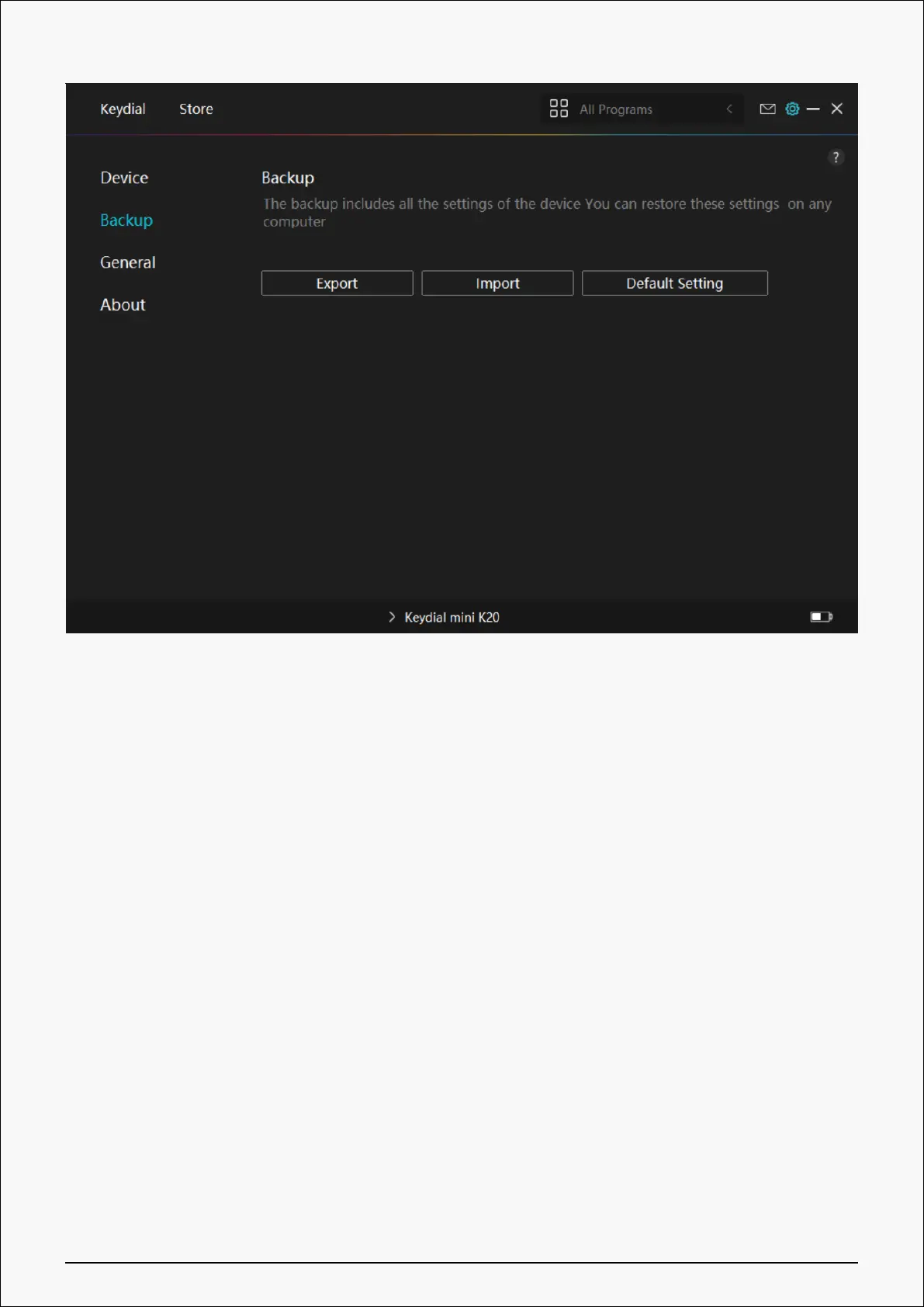
3. General Setting
Language: Click the drop-down button to select a language.
Color: You can select the color of the Driver interface among Dark, Blue, and Light according
to your preference.
Start Menu: Click to enable or disable “Auto-Start”, “New Message Alert”, “Share diagnostic and
usage data”, “Low Battery Warning”, and “Automatic Updates”.
Hotkey: You can set a hotkey to call up the Driver interface quickly according to your usage
habits.
27 / 29


 To Next Page