Page 10
CHAPTER 2 – USING YOUR SYSTEM
POWERING ON
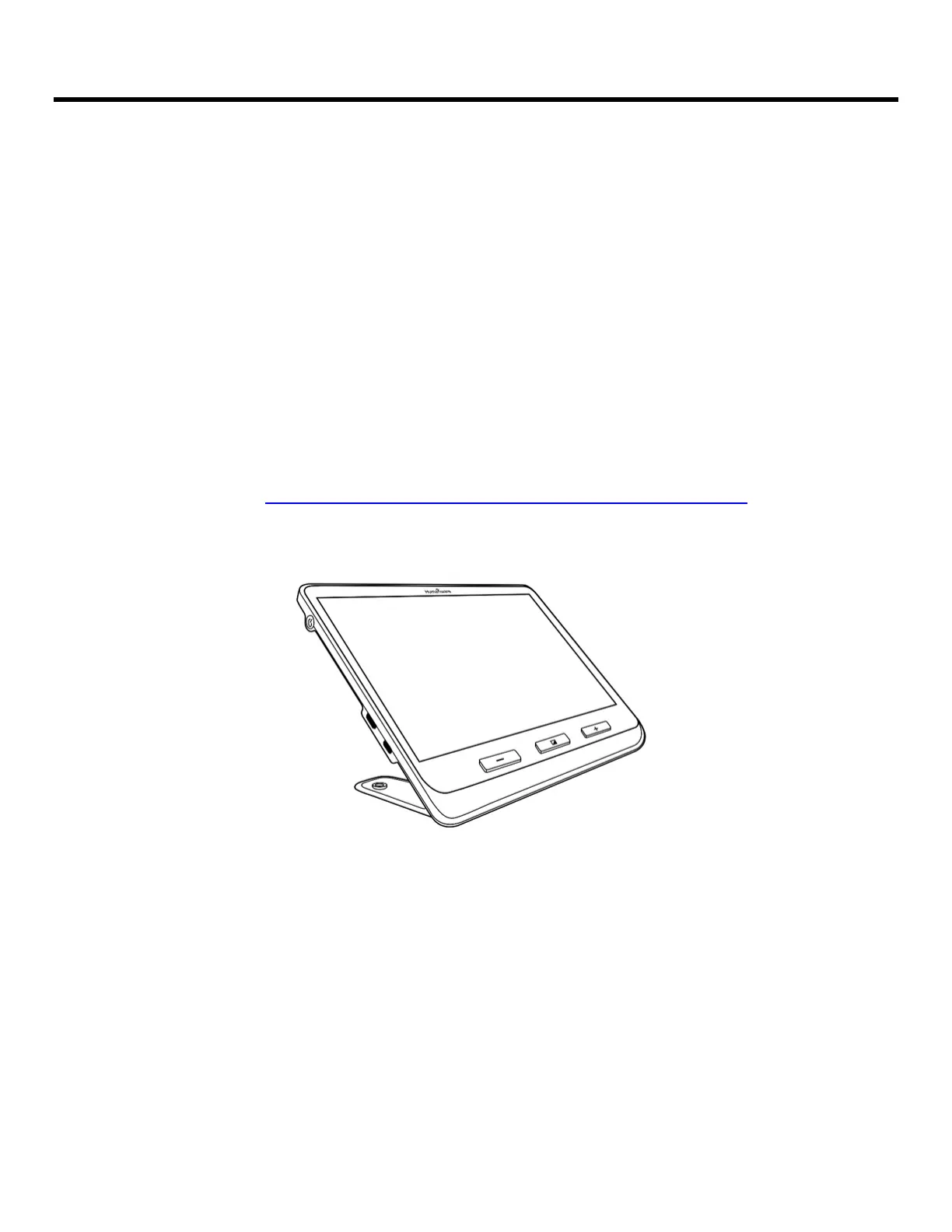
To start the magnifier, press the Power button on the left side of the device.
The device can then be held by the sides, just as you would hold a tablet.
You can also turn on the device by unfolding its base or by sliding the device
into the reading stand.
IMPORTANT: Some users may prefer to familiarize themselves with device
settings before proceeding with device operation. If this is the case, please
refer to Chapter 4: Accessing the Menu and Changing Settings
After a few seconds, the explorē 12 screen will display the image captured by
the near camera. This is the Magnifier mode.
POWERING OFF
Press the Power button again to turn the device Off



 To Next Page