Page 7
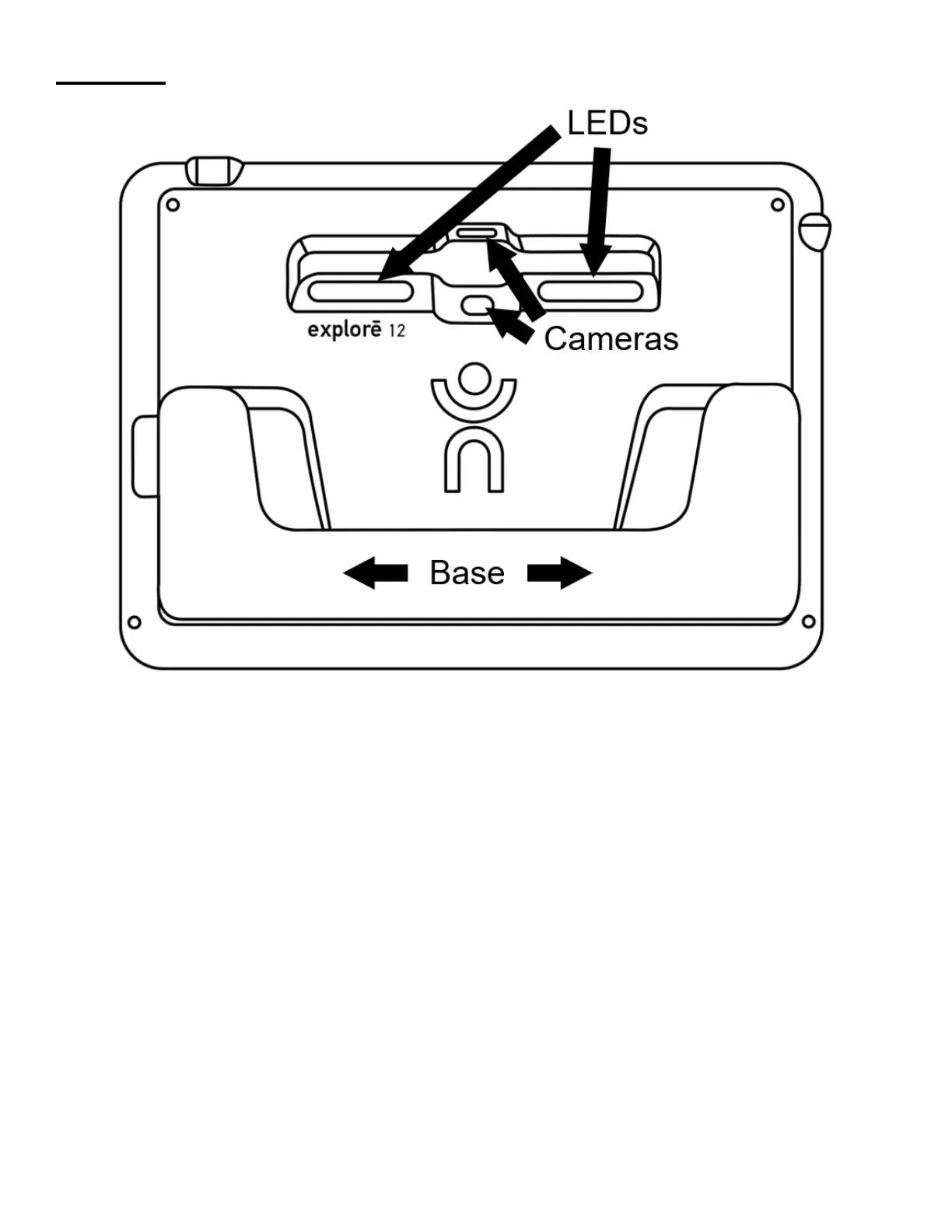
Backside
GETTING STARTED
1. Connect the USB cable to the USB charger.
2. Hold the explorē 12 so that the screen side is facing you. Carefully connect
the cable to the USB port located on the left side of your device and plug
the charger into an outlet. A battery icon (charge level indicator) appears
for 3 seconds at the top, right of the screen.
3. For best performance, recharge until the battery is full. Press the Power
button to obtain a charge level reading. The device will warm up during the
charging process – this is normal.



 To Next Page