56
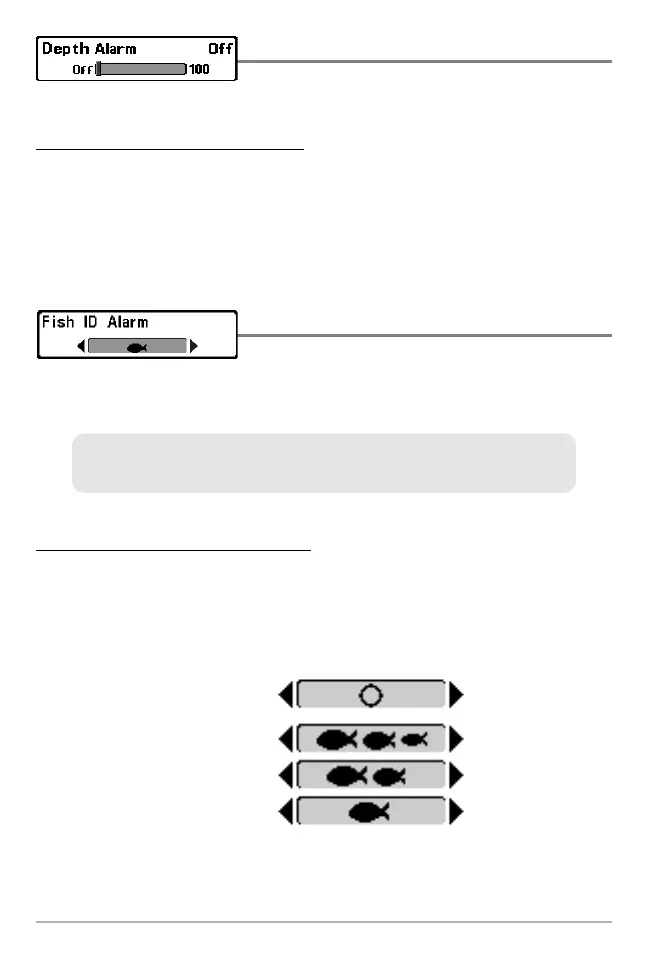
Depth Alarm
Depth Alarm sounds when the depth becomes
equal to or less than the menu setting.
To change the Depth Alarm setting:
1. Highlight Depth Alarm on the Alarms main menu.
2. Press the LEFT or RIGHT Cursor keys to change the Depth Alarm
setting. (OFF, 1 to 100 feet, or 0.5 to 30 meters [International Models
only], Default = OFF)
Fish ID Alarm
Fish ID Alarm sounds when the Fishing System
detects fish that correspond to the alarm setting. Fish ID Alarm will only
sound if Fish ID+™ is on.
To change the Fish ID Alarm setting:
1. Highlight Fish ID Alarm on the Alarms main menu.
2. Press the LEFT or RIGHT Cursor keys to change the Fish ID Alarm
setting. (Off, All, Large/Medium, Large, Default = Off)
Large
Large/Medium
All
Off
For example, if you've set the Fish ID Alarm to sound for Large fish only, the
Fish ID alarm will sound when a large-sized fish is detected.
Alarms Menu Tab







 To Next Page