75
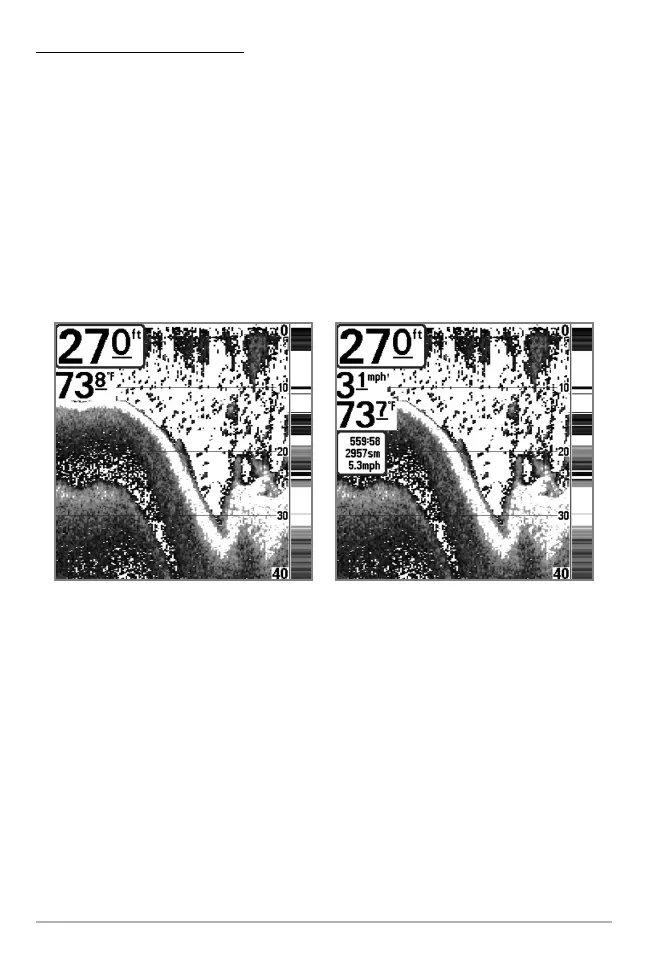
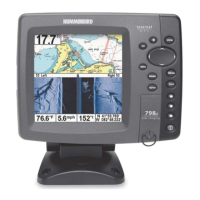
To change Select Readouts:
1. Make sure the User Mode is set to Advanced, then highlight Select
Readouts on the Setup main menu.
2. Press the RIGHT Cursor key to access the Select Readouts submenu.
3. Press the UP or DOWN Cursor keys to select a Readout position, then
press the RIGHT or LEFT Cursor keys to choose what will be displayed in
that position. To hide the data window, select Off. (Course, Navigation,
Off, Speed, Temperature, Time+Date, Triplog, Voltage, Time, Aux Temp.)
Default Sonar View
Customized Sonar View
Setup Menu Tab







 To Next Page