35
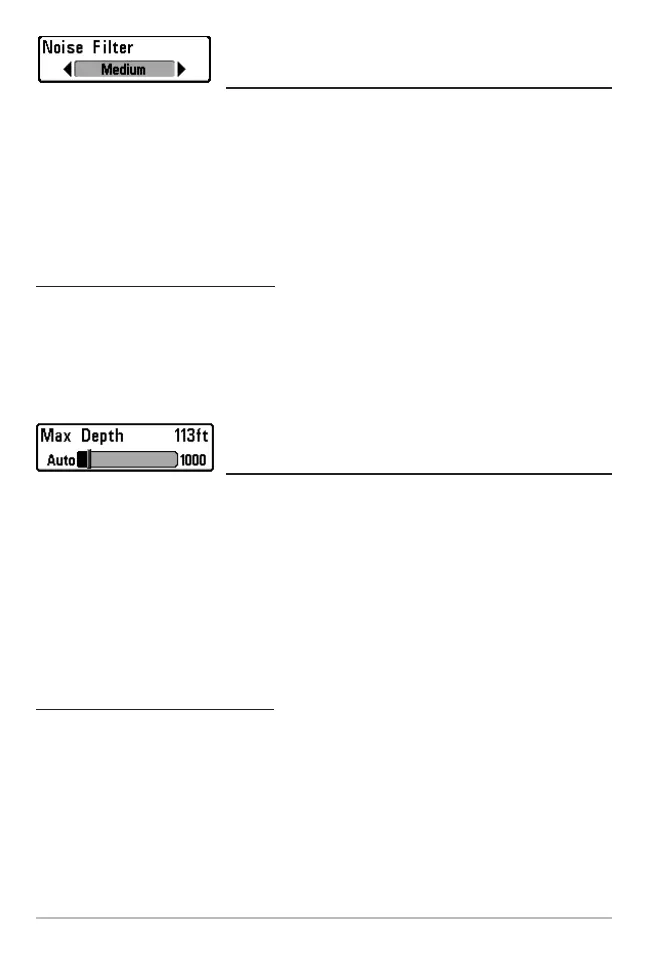
Noise Filter
(Advanced)
Noise Filter adjusts the sonar Noise Filterto limit interference on the display from sources
such as your boat engine, turbulence,or other sonardevices. The Noise Filtermenuchoice
isavailable when UserModeis set to Advanced (see Setup Menu Tab:UserMode).
NOTE: The Off setting removes all filtering; Low, Medium and High settings add
progressive filtering of the sonar returns. In some deep water situations, the High setting
may actually hinder your unit’s ability to find the bottom.
To change the Noise Filter setting:
1. Make sure you are in Advanced User Mode, then highlight Noise Filter on the
Sonar main menu.
2. Use the LEFT or RIGHT 4-WAY Cursor Control keys to change the Noise Filter
setting. (Off, Low, Medium, High, Default = Low)
Max Depth
(Advanced)
Max Depth adjusts the maximum depth of operation. The performance of your Fishing
System can be tuned to the maximum depth you will be fishing in by setting the Max
Depth. When a maximum depth is set, your Fishing System will not attempt to acquire
sonar databelowthat depth,thusincreasingoverallperformance.WhenMaxDepth isset
toAuto,the Fishing Systemwill acquirebottom readingsasneeded(withinthecapacityof
theunit).IfthebottomisdeeperthantheMaxDepthsetting,thedigitaldepthreadoutwill
flash, indicating that the FishingSystem cannot locate the bottom. The Max Depth menu
choice is available whenUserModeis set to Advanced (seeSetup Menu Tab: UserMode).
To change the Max Depth setting:
1. Make sure you are in Advanced User Mode, then highlight Max Depth on the
Sonar main menu.
2. Use the LEFT or RIGHT 4-WAY Cursor Control keys to change the Max Depth
setting. (AUTO, 10 to 800/1000/1500 feet, 3 to 260/330/500 meters
[International Models Only], Default = AUTO)
NOTE: Settings are dependent on the depthcapability of your particularFishingSystem model.




 To Next Page