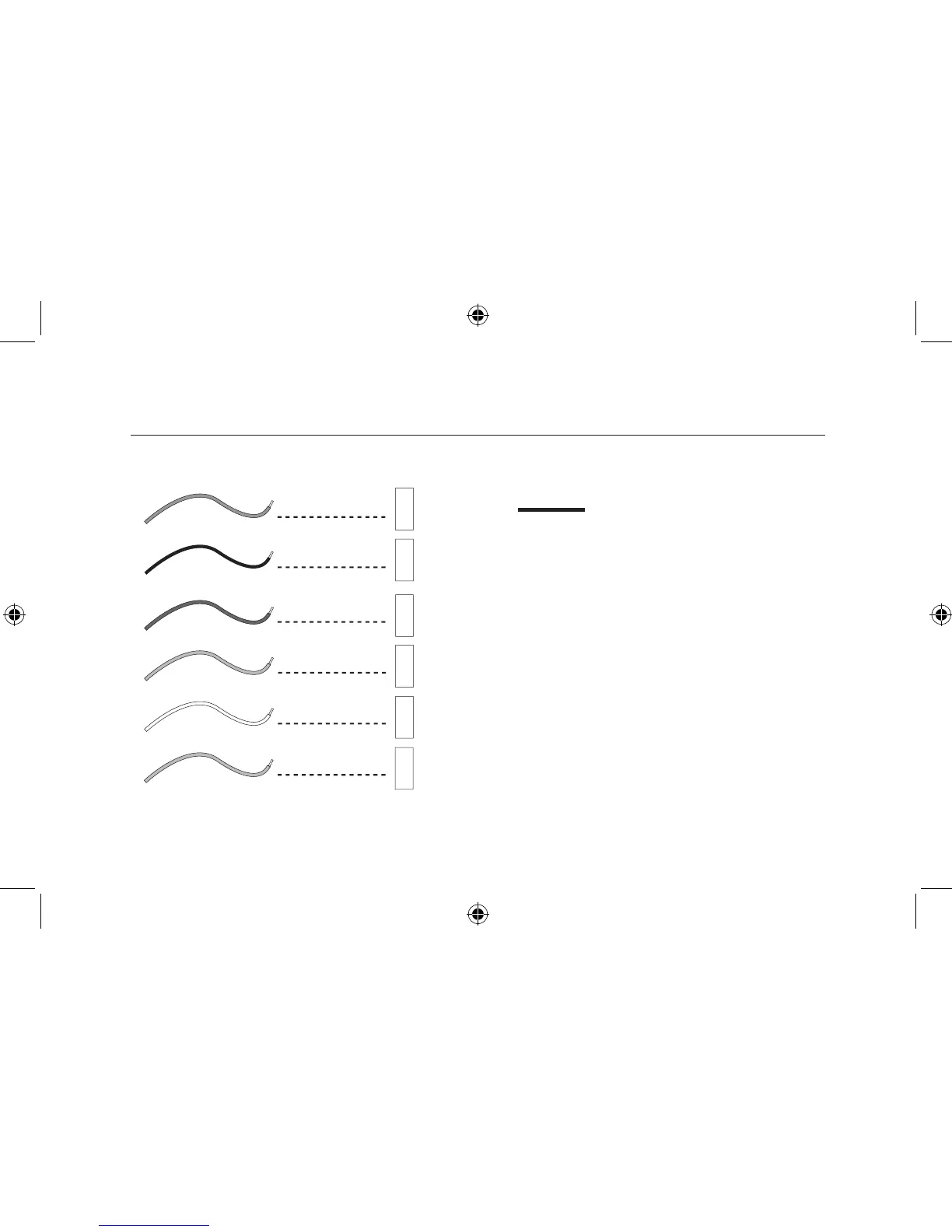
Connect Wires and Mount Thermostat to
Wallplate
■
Straighten bare end of each wire and cut or strip it
to 1/4” maximum. Insert each labeled wire into its
matching terminal.
NOTE: If a wire marked “C” is present, DO NOT connect
it to the thermosat.
■
Hold the wires in each terminal and tighten the
terminal screws securely, otherwise a loose wire
could cause operational problems with your system
or thermostat.
■
Push excess wire back into hole to prevent
interference with mounting of the thermostat.
■
Make sure the Thermostats System Switch is set to
OFF.
■
Insert two AA size alkaline batteries, observing the
polarity marked on the unit.



 To Next Page