30
PROGRAMMING
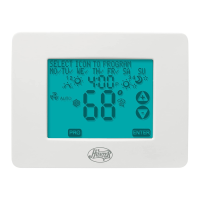
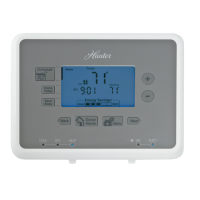
Reviewing Programs
You may want to review the programs to conrm that the settings are compatible with your lifestyle.
■ Press to display M - F programs.
■ Press repeatedly to cycle through the 4 programs.
Program Options
Programmable Fan
■ Any time during programming, this will change the fan display
between “AUTO” and “ON” for the selected system and Pro-
gram number. (Heat and Cool can be set separately.)
“AUTO” = Fan control runs when the system is ON
“ON” = Fan control runs continuously
NOTE: Fan must be set to “PROG” for the Programmable Fan to be activated.
Weekday
Programs
fan
program



 To Next Page