18
12 Hr. / 24 Hr. Time Format
Your thermostat is set from the factory in normal 12 (AM / PM) format. To change to 24 hour (military)
time, press at any time while the Hour, Minute, or Day is ashing to toggle between the 12
hour and 24 hour formats. The AM / PM indicator will not be displayed in the 24 hour mode. Both the cur-
rent time and all programs will change automatically to the selected format. The time format may also be
changed in the Option Menu.
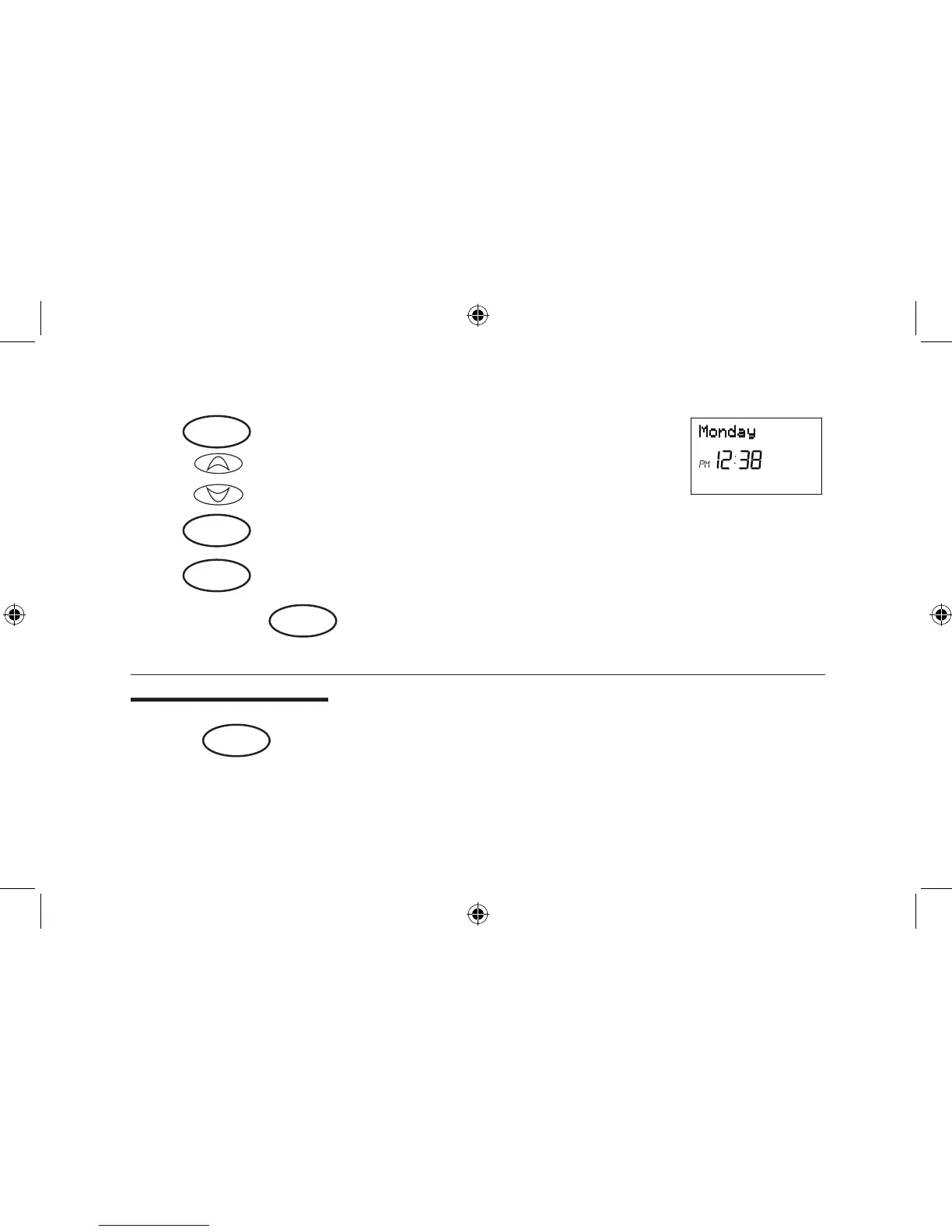
Step 3 ■ Press again to change from minute setting to day setting. The
current day will be ashing.
■ Press to change the Day up or down to the current day.
Step 4 ■ Press again to change back to the normal display.
NOTE: You may press at any time during Day and Time setting to return to the normal display.
or
day/time
ret/clear
day/time
or
ret/clear
option



 To Next Page